
The International Organization for Standardization (ISO) sets rules that help organizations follow proven methods and meet recognized expectations.
Many groups use these standards to show they meet a global benchmark for quality, security, and consistency. Manual tools make that work harder and slow down recordkeeping.
ISO compliance software reduces that strain by placing documents, audit evidence, and required tasks in one system. It also helps organizations meet each requirement across different standards.
This guide will introduce you to six ISO compliance tools that you can review for your organization.
What Is ISO Compliance Software?
ISO compliance software is a system that helps organizations follow ISO requirements and document each step of their compliance processes.
It keeps records in one place so teams can show proof during ISO audits without sorting through separate folders.
The software supports standards such as ISO 9001 and ISO 27001. These standards ask organizations to follow consistent practices across quality, security, and other systems.
The software tracks those practices and keeps them organized for management reviews and regular updates.
Most ISO compliance platforms include tools for document control, internal audits, and risk assessment. The compliance software also protects sensitive data by storing information in a controlled environment.
Top ISO Compliance Software Platforms for 2026
Many organizations look for software that supports ISO requirements across quality, security, and lab standards. Each platform in this list focuses on specific ISO expectations.
1. TLM
Total Lean Management (TLM) gives organizations one system to manage ISO standards across quality, security, and laboratory work.
It supports ISO 9001, ISO 27001, ISO 13485, ISO 14971, ISO 17025, ISO 31000, and International Automotive Task Force (IATF) 16949.
You can run the platform on company servers or through a cloud-based setup, and both options offer the same functions.
TLM also supports continuous improvement. Specialty modules can be added as your programs develop.
This helps teams build a quality management system (QMS), an information security management system (ISMS), or a laboratory system that matches their work structure.
Key Features
- Custom fields: Let teams rename modules and fields so staff members work with terms they already know.
- System settings: Let administrators adjust functions without affecting existing records.
- Location controls: Supports organizations that manage several sites under one system.
- Deployment options: Works on company servers or as a cloud-based setup.
- Security settings: Supports multi-factor authentication (MFA) and security rules that help protect sensitive data from cyber attacks.
- Custom forms: Build your own custom forms with email notification and approvals
- AI-powered: AI compliance reviews and document content searching
Advanced Capabilities
TLM updates its system based on customer requests. This helps organizations refine workflows as their compliance programs develop.
It supports a full risk management process. Teams can record risks, assign actions, and prepare reports for management reviews.
The development team can move focused workflow steps into the TLM Web App when cleaner data entry is needed. This gives downstream users a simpler method for completing tasks.
The Connection Manager links TLM to other information systems. This helps teams transfer supplier data, equipment details, or customer records without manual entry.
Medical device companies can use TLM’s validation documentation templates to prepare for FDA and ISO reviews. These templates are available by module.
Industry Modules
TLM includes modules built for industries that follow structured ISO standards. Each module contains records and workflows that match the requirements of that field.
- Medical devices: Supports ISO 13485 and ISO 14971 with modules for design history file (DHF), device master record (DMR), device history record (DHR), and design control. It also includes tools for post-market tracking.
- Automotive: Supports IATF 16949 with modules for failure mode and effects analysis (FMEA), eight disciplines method, production part approval process (PPAP), and control plans. Supplier information and quality records stay organized within one system.
- Laboratories: Supports ISO 17025 with tools for training records, environmental checks, equipment events, and impartiality requirements. Technical records link to procedures and external references.
How TLM Helps Teams Maintain ISO Standards
TLM keeps procedures, forms, and references in one platform so staff members can retrieve information without delays. Reporting tools inside each module support audit preparation.
The system brings QMS, ISMS, and laboratory records into one environment. This helps teams follow approved methods during daily work and formal reviews.
2. EHS Insight
Image source: ehsinsight.com
EHS Insight supports organizations that manage environmental, health, and safety (EHS) programs across several locations.
It includes tools for incident reporting, audits, inspections, and compliance tracking. The system is used in manufacturing, construction, energy, transportation, chemicals, government, and education.
It helps teams record events, review findings, and track tasks tied to regulatory rules.
The platform also includes a mobile app. Staff members can log issues, complete inspections, and update records from the field. Offline access helps teams who work in areas with limited connectivity.
Key Features
- Safety management system: Helps teams record incidents, inspections, and occupational health events.
- Environmental management system: Supports environmental checks, site assessments, and related compliance documentation.
- Compliance management tools: Tracks permits, deadlines, and assigned actions in one location.
- Automated workflows: Supports reminders, task assignments, and follow-ups tied to compliance work.
- Mobile app: Offers field access for audits, inspections, and evidence collection. Works offline.
- Dashboards and reports: Shows scheduled work, overdue tasks, and assigned responsibilities.
- Custom forms and workflows: Let teams adjust forms and routing steps to match their processes.
- Quality incident tracking: Supports organizations that monitor product or service quality under ISO 9001.
Pros
EHS Insight has a user interface that’s easy for most teams to navigate. The mobile app supports field inspections and incident reporting without slowing operations.
Automated workflows help teams stay on track with ongoing compliance tasks tied to multiple standards. Dashboards also give teams a quick view of progress across their compliance efforts.
Cons
Custom reporting may take extra time to configure, and some teams want more built-in templates. Certain workflows can feel complex for new users and may require additional training.
Larger sites may need more setup time before the system works as expected. Users also note overlap in a few workflow steps, which can create uncertainty during early use.
3. Apptega
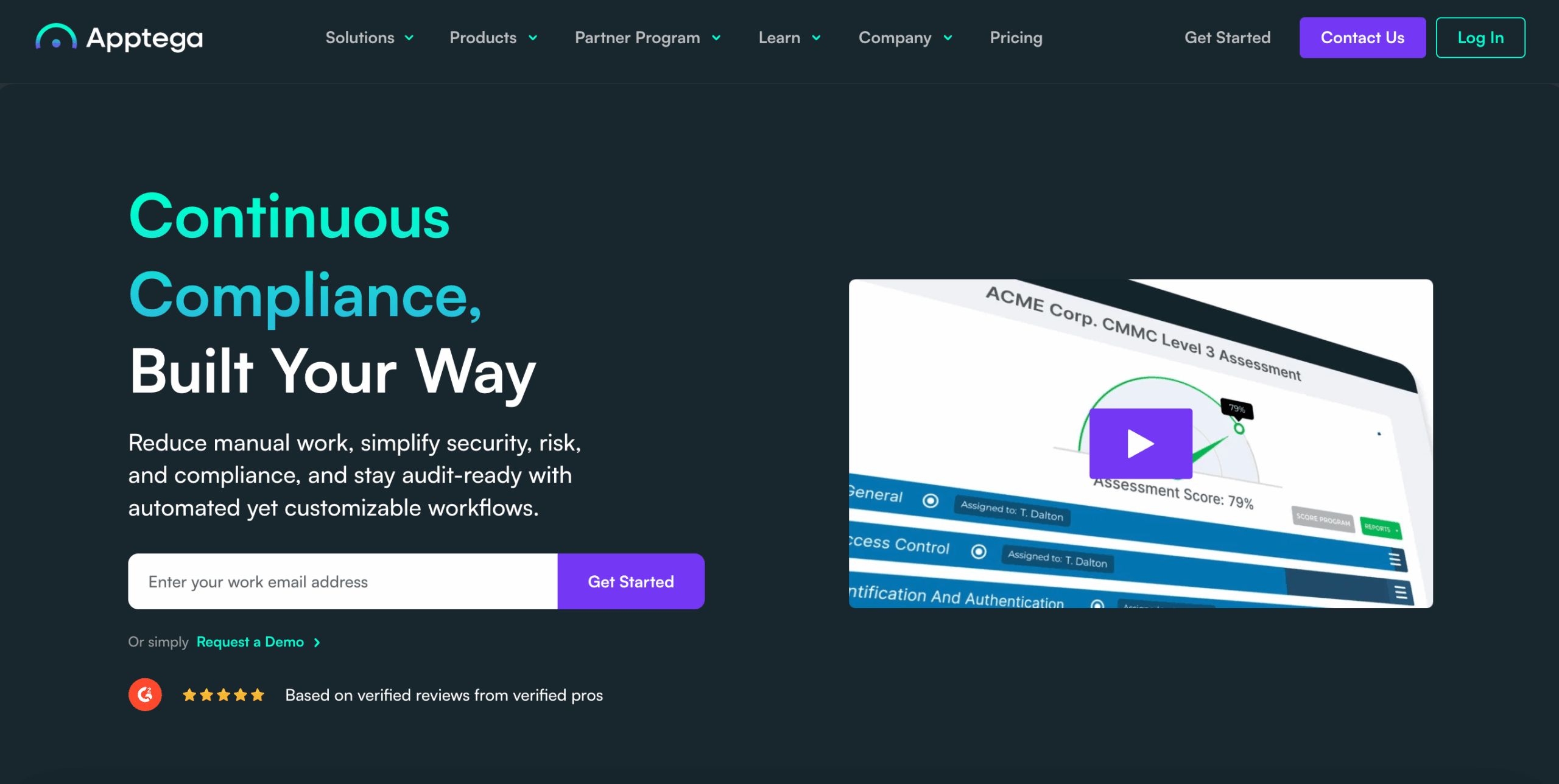
Image source: apptega.com
Apptega is a cybersecurity and compliance management platform used by organizations that follow standards such as ISO 27001.
It helps teams assess controls, document evidence, and review risks tied to information security.
The system supports continuous monitoring through integrations with data sources and project tools. This helps organizations track progress as they work to maintain ISO compliance and prepare for certification.
Apptega is cloud-based, which helps teams start quickly without on-site installation. It also supports managed service providers that guide clients through assessments or reporting needs.
The platform adapts to several frameworks, which helps teams work toward continuous compliance across multiple programs.
Key Features
- Automated assessments: Helps users review compliance status and produce reports.
- Audit manager: Imports auditor requests and links relevant evidence from past assessments.
- Third-party risk manager: Helps teams review vendors tied to information security.
- Integrations: Connects to data sources for continuous monitoring and evidence updates.
- Dashboards and reports: Shows compliance progress and pending tasks.
- Cloud-based access: Requires no installation and uses existing technology and resources.
Pros
Apptega supports several frameworks, which help organizations manage programs tied to an international standard like ISO 27001.
Integrations help teams use information from their existing systems during assessments. Automated tools highlight items that need attention as teams work to achieve compliance.
These tools help organizations coordinate tasks across multiple assessments.
Cons
Users report that certain workflows take time to adjust for their specific business needs. Reporting tools work well for basic summaries, but some teams want more flexibility.
Vendor risk features work as expected. However, users note that the process for uploading and reviewing third-party reports could be easier.
A few teams also mention that setup may require more resources during the early stages.
4. Scytale
Image source: scytale.io
Scytale is a compliance automation platform that supports organizations pursuing ISO standards such as ISO 27001.
The platform connects to existing applications. These integrations automate parts of evidence collection and reduce manual work during audit preparation.
Scytale also helps teams implement controls and update documents that support information security.
The system includes support from governance, risk, and compliance (GRC) specialists who guide organizations through control review and audit preparation.
Scytale’s AI tools assist with tasks such as reviewing risks and checking evidence. These features help teams keep their ISMS continually improving throughout the year.
Key Features
- Automated evidence collection: Pulls evidence from connected tools and formats it for audits.
- ISMS management hub: Organizes policies, controls, training tasks, and documents in one location.
- AI assistance: Supports risk tasks, policy checks, and evidence updates.
- Integrated audit management: Tracks findings and communication during the audit cycle.
- Continuous monitoring tools: Updates users on control status and items that need attention.
- Certification workflow: Covers onboarding, gap analysis, evidence review, and audit tasks.
Pros
Scytale gives organizations a structured location to manage ISO 27001 tasks. This helps teams see what should be completed during each phase of certification.
Automated evidence tools reduce manual audit steps and help centralize required records. GRC support guides as teams learn how to implement controls and maintain their ISMS.
Cons
Users report that onboarding takes time because each module has its own learning curve. Teams without existing procedures may need extra effort to prepare the required documents.
Reviewers also mention that policy examples could be more detailed for new organizations.
Others say that although integrations reduce manual tasks, the platform still requires learning during the early stages.
5. ISMS.online
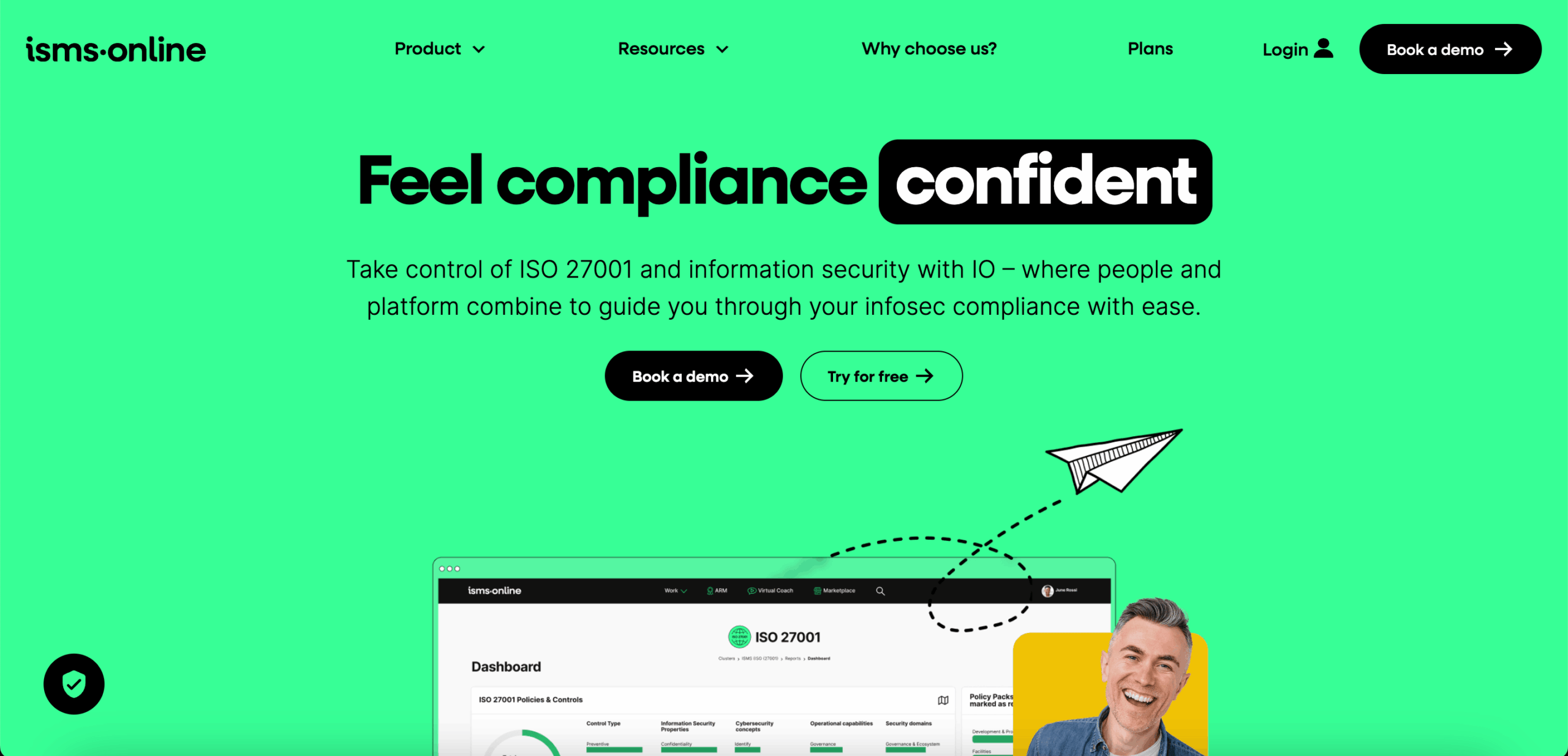
Image source: isms.online
ISMS.online is a platform that helps organizations manage information security and privacy programs across several standards.
These include ISO 27001, service organization control (SOC) 2, ISO 42001, general data protection regulation (GDPR), and ISO 27701.
Templates and guided workflows help users create documentation and move through audit preparation at a steady pace.
The platform connects with external applications through ready-made integrations or an open API. These connections help teams keep records updated when information changes across their systems.
Key Features
- Asset management tools: Help teams create and maintain an asset inventory.
- Dynamic risk management: Supports threat identification and tracks related actions.
- Policies and controls workspace: Helps teams create, review, and update documentation.
- Integrations: Connects with business systems to reduce manual entries.
- Mapping and linking tools: Links assets, risks, controls, and suppliers for easier tracking.
- Supply chain management: Organizes due diligence records, contracts, and supplier information.
- Audits, actions, and reviews: Supports corrective actions, improvements, and management reviews.
- Interested party management: Helps teams document and track stakeholder expectations.
- Reporting and dashboards: Shows program status through key performance indicators (KPIs) and visual summaries.
Pros
ISMS.online helps organizations manage several frameworks in one system, which reduces the need to maintain separate tools.
Some users appreciate the templates and guided workflows that support documentation tasks. Reminder features also help teams keep track of updates and audit steps.
Cons
Users report that modules don’t always share data, which creates duplicate work when managing multiple frameworks.
Others find that training content for standards outside ISO 27001 needs more detail. Reviewers also mention that complex updates may require additional support.
6. Qualio

Image source: qualio.com
Qualio is QMS software that supports ISO programs for life science companies, including the ISO 9001 standard, ISO 13485, and ISO 27001.
It brings documents, training, audits, and corrective actions into one cloud-based system. The platform helps teams implement ISO requirements through automated gap checks, guided tasks, and organized records.
Qualio scans a company’s quality system to find areas that don’t meet ISO expectations. It assigns tasks and helps gather evidence so teams can prepare for internal and external audits.
The system also includes tools for supplier reviews, design work, and training updates, which help organizations keep their programs up to date.
Key Features
- Automated gap analysis: Scans the quality system to identify ISO compliance gaps.
- Integrated QMS: Organizes document control, training, design data, and corrective actions in one platform.
- Audit readiness tools: Help automate internal audit schedules and gather evidence.
- Evidence reuse across standards: Helps teams carry documentation into other audits or markets.
- Supplier and design controls: Supports reviews, approvals, and related quality tasks.
- Cloud-based system: Centralizes records and connects to external tools.
Pros
Qualio helps organizations keep quality and compliance tasks in one place. Some users value the document control and training features, especially when working under ISO 13485.
They also note that the interface is easy to learn and that support teams respond quickly.
Cons
Users say the platform lacks automation in certain workflows, including document control steps. Others mention that design control features need improvement.
Moreover, links to risk management don’t always match ISO 13485 and ISO 14971 requirements.
Reviewers also point out that some updates take extra effort when handling complex processes.
Rely on TLM to Keep Your ISO Program Audit Ready

Choosing the right compliance software affects how well teams manage ISO tasks and prepare for audits.
TLM organizes quality, security, and training records across your operation. This helps teams keep documents, evidence, risks, and reviews structured and easy to track.
TLM also supports ISO 9001, ISO 13485, ISO 14971, ISO 27001, and ISO 31000. These frameworks help organizations build processes that match the requirements of multiple standards.
TLM works in medical devices, manufacturing, automotive operations, and laboratory environments. It adapts to documented procedures in each field. You can complete tasks that influence customer satisfaction and audit performance.
New companies can use TLM to build their first quality system. Larger organizations can coordinate multiple sites and monitor work across departments.
TLM handles the heavy lifting for evidence collection, document routing, and ongoing oversight. This gives teams more time to focus on the tasks that improve audit readiness.
FAQs About ISO Compliance Software
What is the ISO compliance program?
An ISO compliance program is the set of activities a company follows to meet the requirements of an ISO standard. It covers documented procedures, risk controls, staff training, and record keeping.
The program stays active throughout the year so teams can support audits and keep controls working as intended.
What is the best ISO compliance software?
The best ISO compliance software helps teams manage documents, risks, evidence, and audits without adding extra steps.
Most companies choose TLM since it supports several ISO standards and keeps records organized for audit preparation.
What is the ISO standard for software?
There isn’t a single ISO standard for all software. For example, ISO 27001 covers information security, ISO 9001 covers quality management, and ISO 13485 applies to medical device development.
Each one outlines requirements for documentation, risk controls, and periodic reviews.
What is the difference between ISO 22301 and ISO 27001?
ISO 22301 focuses on business continuity. It guides organizations on how to plan for disruptions and restore operations.
On the other hand, ISO 27001 focuses on information security. It defines how to manage security risks and protect data within an information security management system.