
One outdated standard operating procedure (SOP) can trigger serious consequences on the factory floor. It can fail an audit, delay production, or put employees at risk.
Yet many manufacturers still manage controlled documents through shared drives, email chains, or paper binders. That method leaves too much room for error.
Document control software for manufacturing solves this problem. It keeps every SOP, drawing, and work instruction accurate, approved, and traceable.
In this article, you’ll see which software best supports audit readiness and lean manufacturing operations.
TL;DR
These are the five best document control software for manufacturing success:
- TLM
- ETQ Reliance
- ComplianceQuest
- QT9
- MasterControl
What Document Control Software Does for Manufacturers
Document control software helps manufacturers keep important documents accurate and easy to use.
It replaces paper documents, shared folders, and physical storage with a centralized document repository that people can rely on.
SOPs, work instructions, drawings, and manuals remain up to date and easy to locate. Operators do not waste time guessing which version applies on the shop floor.
A manufacturing document management system manages version control and approvals without confusion.
Engineers and quality staff track changes from draft through release, while supervisors know exactly when updates take effect.
Manufacturing employees get quick access to the documents they need to complete their work.
Permissions limit who can view or edit confidential files. Each update leaves a documented record that supports audits and inspections.
Top 5 Document Control Software for Manufacturing
Manufacturers face audits, customer requirements, and constant document updates.
Some platforms prioritize compliance over usability. Others work well for small teams but struggle as operations expand.
Below is a comparison of the five leading document control software solutions used in manufacturing.
1. TLM
Total Lean Management (TLM) treats documentation as shared knowledge. SOPs, maintenance manuals, safety guidelines, and quality documents are used across manufacturing processes, departments, and locations.
TLM keeps all your documents in one centralized repository, so people stop relying on physical document storage or scattered folders.
Operators and supervisors reference the same approved instructions, which reduces variation and misunderstandings.
Quality teams review updates inside the system, without email threads or duplicate files.
Audit Preparation Without Disruption
TLM runs approval processes that match how manufacturing companies operate. Reviewer assignments follow departments or job roles, so reviews keep pace.
Optional review stages collect comments before final approval.
Electronic signatures meet the International Organization for Standardization (ISO) and Food and Drug Administration (FDA) regulatory requirements, including medical devices and life sciences.
Each revision records the author and timestamp, which creates a complete audit trail that auditors expect.
Key Features
- Centralized repository for all your documents
- All users have easy web app document access with unlimited licensing
- Version control that prevents outdated documents
- Approval workflows that handle complex workflows
- Electronic signatures that meet regulatory requirements
- Role-based access control for document access
- Automated training assignments linked to document updates
- Integration with change management and quality processes
- Support for Word, Excel, and PDF files with ready only web app display.
- Import tools for existing quality and compliance documents
Access, Security, and Consistency Across Roles
TLM delivers document access through desktop and web apps, including mobile accessibility. Role-based access control restricts confidential documents to authorized users.
Operators, supervisors, and quality personnel view relevant documents without downloads, which reduces risk tied to data handling.
TLM connects document management software with audits, training, change management, and other quality management system (QMS) modules.
Teams manage documentation and quality processes in one system.
2. ETQ Reliance
Image source: etq.com
Manufacturing companies in regulated environments use ETQ Reliance to manage critical documents tied to ISO 9001 and FDA GMP requirements.
The platform keeps document control inside a broader quality management system. This is helpful for organizations that want documentation handled as part of formal quality programs.
How ETQ Reliance Handles Document Control
ETQ Reliance manages procedures, specifications, and work instructions through a full document lifecycle that covers creation, review, approval, distribution, storage, and archiving.
Approval routing runs through phases with assigned owners and timeframes for each stage.
User access controls govern who can read, edit, or approve specific documents. That helps maintain compliance and data integrity for business-critical documents.
ETQ also links document control with training management. Updates to quality documents can trigger training notifications and certification tracking, so employees review newly approved versions.
Key Features
- Centralized document control systems for critical documents
- Workflow automation for document review and approval
- User access controls for document access and editing rights
- Training assignments linked to document updates
- Multi-person document authoring with Microsoft and Google tools
- Integration with enterprise resource planning (ERP), customer relationship management (CRM), and other enterprise systems
- Automated notifications and escalation rules
- Paperless or hybrid document distribution options
Pros
ETQ Reliance offers detailed workflow automation for manufacturing document management software.
Regulated organizations often value the ability to manage approval phases and permissions in detail.
Connections with training, corrective and preventive action (CAPA), ERP, and other systems help maintain data consistency across quality, engineering, and operations.
Cons
ETQ Reliance often becomes rigid after initial configuration. Workflow updates or document routing changes usually require added coordination, which can slow response when processes change.
Users frequently describe the interface as dated, especially when reviewing large volumes of records.
Reports of system downtime also raise concerns when access to critical information becomes unavailable during busy periods.
3. ComplianceQuest
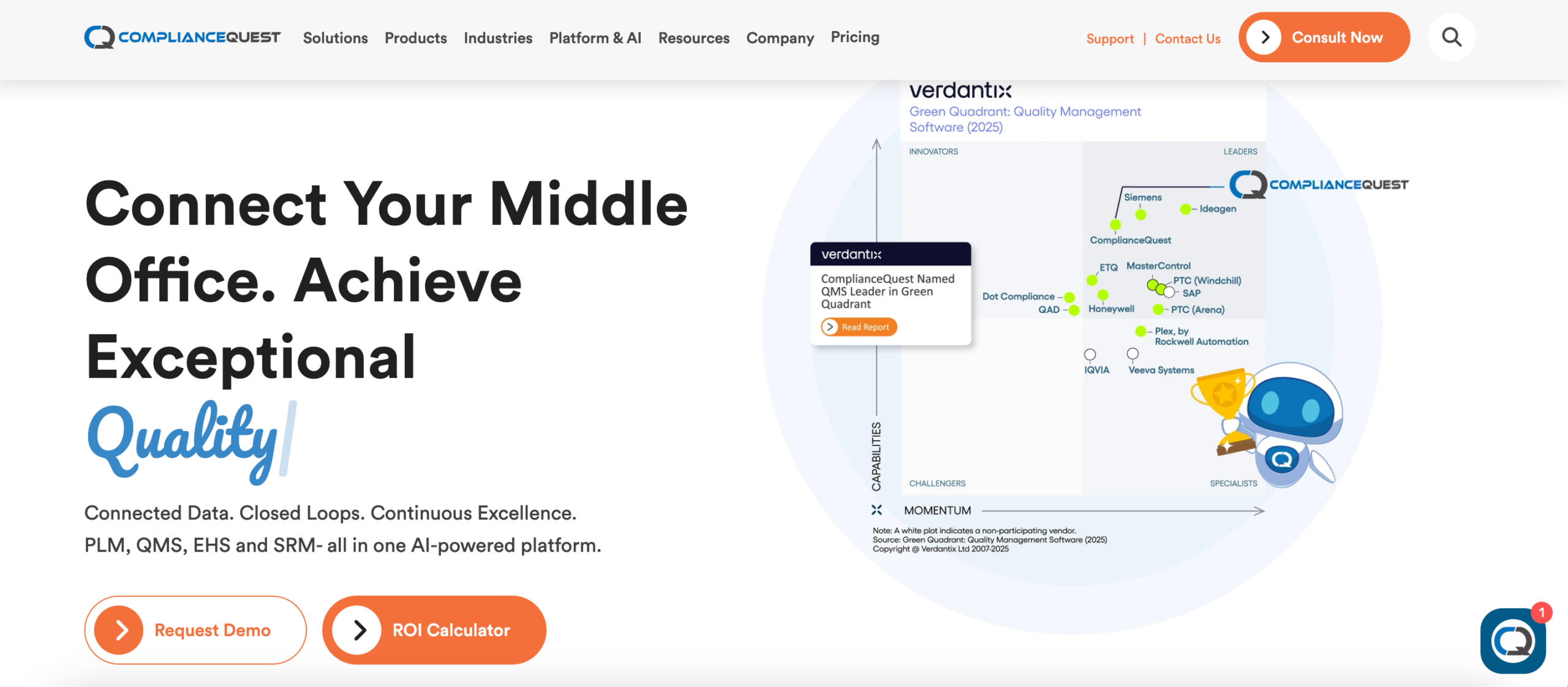
Image source: compliancequest.com
ComplianceQuest provides document control within an enterprise QMS.
Companies use it to manage quality documents, compliance records, and audit documentation under ISO, FDA, and other regulatory frameworks.
Policies, procedures, specifications, and records reside in a centralized system used for audits, training, and compliance reviews.
How ComplianceQuest Handles Document Control
ComplianceQuest manages documents through creation, review, approval, revision, release, and archival. Version control keeps the latest approved document available and preserves full revision history.
Approval workflows route documents to assigned reviewers and capture comments and electronic approvals.
Manufacturing processes require collaboration across quality, engineering, suppliers, and compliance groups.
ComplianceQuest supports shared document review and commenting, so cross-functional teams contribute without duplicating work.
Key Features
- Approval workflows with reviewer routing and comments
- Electronic signatures for document authorization
- Role-based document access and permissions for document security
- Audit trails for compliance reviews and inspections
- Search and retrieval with metadata and full-text indexing
- Document retention, archival, and obsolescence handling
- Mobile access for reviews and approvals that supports data security
Pros
ComplianceQuest is used by manufacturers that handle frequent audits and regulatory reviews. The system includes audit management functions and document retrieval within the same platform.
Document history, approvals, training records, and audits remain available in one system. That setup reduces manual tracking and helps quality assurance (QA) teams prepare documentation requests faster.
Cons
Search results can frustrate users unless exact terms or document names are known. Limited bulk upload options slow transitions from paper-based systems.
Custom reports and workflow changes often require administrator involvement. Notification reliability also varies, which can delay document reviews.
Some users also mention that reporting and interface updates take time to adjust.
4. QT9
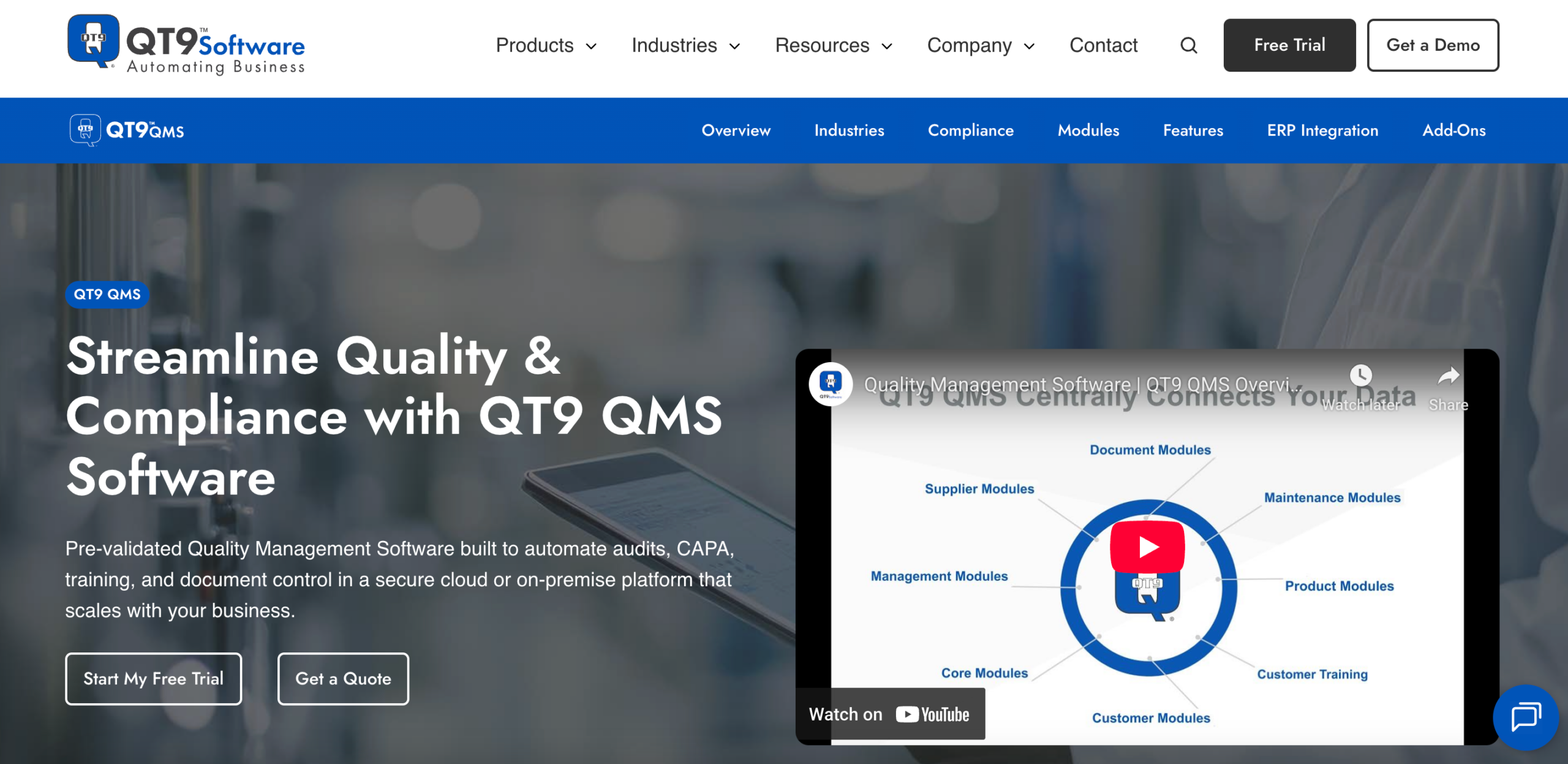
Image source: qt9software.com
QT9 combines document control with training and CAPA inside its QMS. Manufacturing companies use it to manage quality documents in accordance with ISO 9001, FDA, and EU requirements.
How QT9 Handles Document Control
QT9 manages standard operating procedures, work instructions, policies, and procedures across the document lifecycle.
The system automates version control, approval routing, and employee acknowledgment tracking.
Authorized personnel access the latest approved version, while revision history and audit logs remain available for audits and internal reviews.
QT9 links document updates with training assignments, so quality and operations stay coordinated when documents change.
Linked documents also notify users when related files change, which helps keep referenced materials consistent.
Key Features
- Version control with revision history and audit logs
- Electronic signature approvals compliant with FDA 21 CFR Part 11
- Role-based document access for viewing, editing, and approvals
- Automated email alerts for reviews, expirations, and approvals
- Training assignments triggered by document updates
- Linked documents with alerts when related files change
- Master copies for source files and locked display PDFs
- Support for Office, PDF, and CAD file types
- Cloud and mobile access for instant access
Pros
QT9 keeps documents, training, and CAPAs in one system, which helps audit preparation. Some users often mention quick access to the records they need during audits.
Workflow and form customization help organizations match internal processes.
Dashboards and reporting highlight overdue approvals and training status without digging through multiple areas of the platform.
Cons
The interface can look busy at first, so onboarding takes time. Users also note that some screens look outdated.
Certain reports and workflows need initial configuration to match how the organization operates.
Layout customization remains limited, and some users want more prebuilt forms for OSHA CFR29 standards.
5. MasterControl
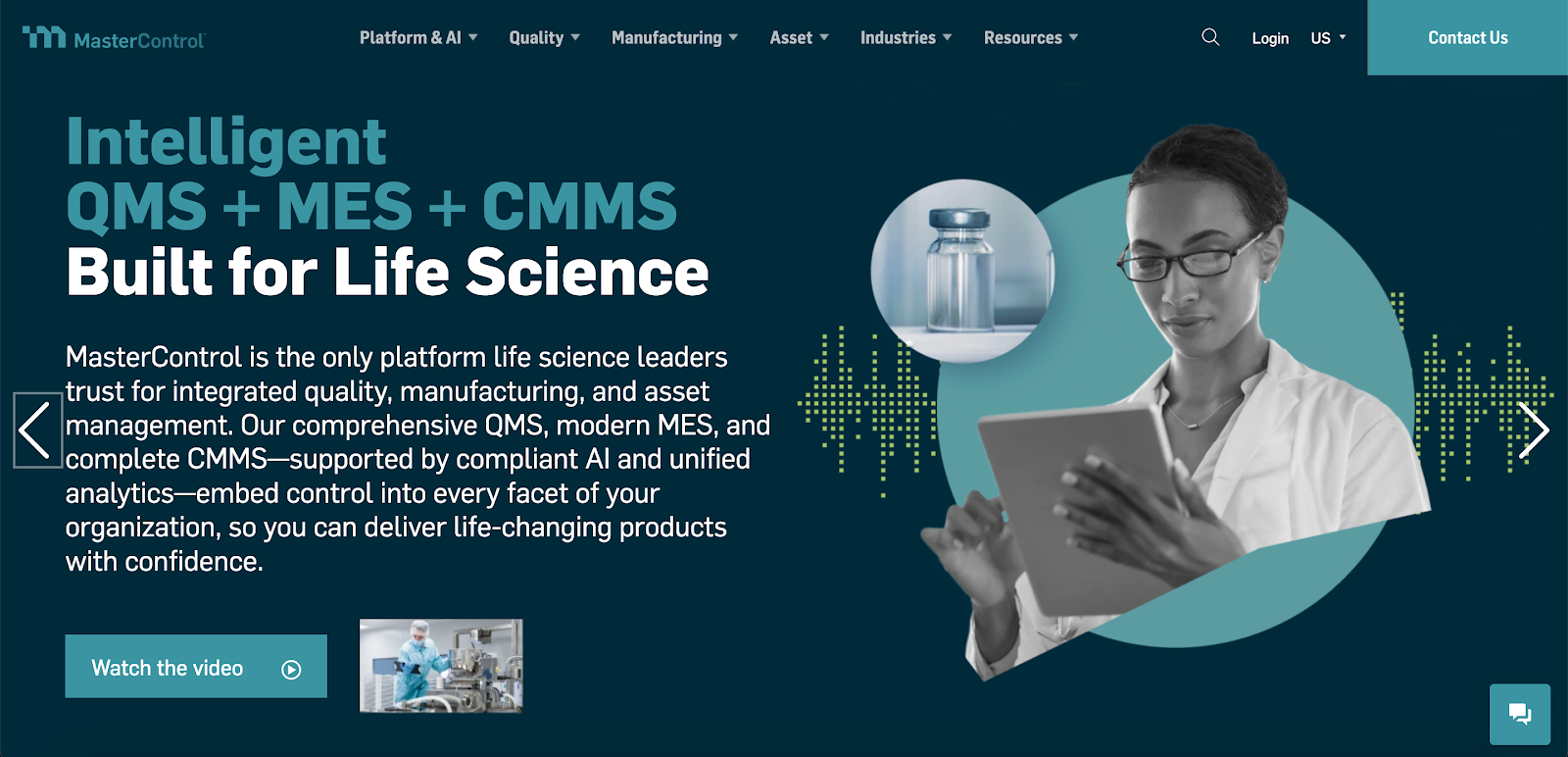
Image source: mastercontrol.com
MasterControl is used by regulated manufacturing companies, particularly in medical devices and life sciences. It focuses on document control and quality assurance systems.
The software integrates with ERP platforms to connect quality documentation with manufacturing and business systems.
How MasterControl Handles Document Control
MasterControl manages SOPs, detailed operating procedures, templates, forms, and quality records through a controlled document lifecycle.
Version control restricts access to the latest approved revision, and only one authorized user edits a document at a time.
Approval routing follows automated workflows with assigned reviewers, task reminders, and escalation for overdue actions. Reviewers see the revision history and documented changes during approval.
Electronic signatures meet FDA 21 CFR Part 11 requirements. Each action records a timestamp and user identity, which forms a complete audit trail for inspections.
Key Features
- Centralized repository for quality and compliance documents
- Version control with revision and approval history
- Electronic signatures compliant with FDA 21 CFR Part 11
- Workflow automation for routing, reminders, and escalation
- Single editor access for document updates
- Audit trail reporting with timestamps and user records
- Collaboration workspace for cross-functional teams
Pros
MasterControl is useful in highly regulated manufacturing environments that depend on quality control.
Detailed audit trails, electronic signatures, and version enforcement support improved regulatory compliance.
Integration with ERP platforms connects document control with production and quality records. Manufacturers using electronic batch records often report faster QA reviews.
Cons
Workflow and template updates often require coordination, especially for complex documentation. Users report difficulty locating specific records within large document libraries.
System performance can slow down during periods of high usage, and notifications may not always reach reviewers.
Some users also report limitations when downloading attachments with executed batch records.
Maintain Consistent Documentation Across Locations With TLM

Many document control platforms meet regulatory requirements but struggle once teams start using them across operations.
TLM focuses on effective document management that works across quality, engineering, and operations.
Documents, training, audits, and change activities operate in one environment. That setup keeps procedures connected to manufacturing work.
Real-time document sharing helps teams reference the same approved information, which reduces version errors and duplicate files.
Audit preparation stays consistent throughout the year. Approved documents, revision history, and training records remain available without last-minute coordination.
TLM improves workflow efficiency without increasing administrative effort. Manufacturers use it to formalize processes early, while regulated enterprises rely on it across departments and locations.
Document control software for manufacturing isn’t optional anymore. Manual tracking and outdated procedures introduce a risk that most organizations can’t absorb.
FAQs About Document Control Software for Manufacturing
What is document control software?
Document control software manages how documents are created, reviewed, approved, updated, and stored.
It gives organizations complete control over versions, access, and history, so teams always use the correct information.
Which software is best for document control?
The best software fits how an organization operates. In manufacturing document control, systems that connect documents to training, audits, and change activities work better in practice.
QMS tools like TLM help teams keep documentation accurate without added administrative work.
What is document control in manufacturing?
Document control in manufacturing defines how procedures, work instructions, and records are created, reviewed, approved, updated, and stored.
It keeps critical documentation accurate and available, which helps avoid mistakes and improves customer satisfaction.
Which software is best for manufacturing?
Manufacturers benefit most from software that combines document control with operational and quality processes.
Platforms like TLM provide structure, traceability, and data-driven insights that help teams maintain consistency and gain a competitive advantage.