


Quality keeps your operation consistent and dependable. When teams follow the same process, results stay reliable and compliance problems are easier to avoid.
A quality management system (QMS) helps organize responsibilities, track progress, and correct issues before they expand. QMS software turns complicated workflows into simple steps everyone can follow.
In this article, you’ll learn what QMS software does, why it’s valuable, and how the right system can make your organization more organized and dependable.
What Is QMS Software?
Quality management systems control how an organization meets its quality standards. The standards define how teams create, check, and approve work to keep results consistent.
QMS software turns these processes into digital tasks. It manages documents, audits, risks, and training records in one place.
Teams use it to track compliance, complete approvals, and report on performance without losing data.
The best systems support continuous improvement and help companies meet regulatory requirements. They reduce manual work and make it easier to maintain quality across every project.
Key Features to Look for in QMS Software
When you evaluate quality management system software, focus on the features that keep your operations consistent and compliant.
The right QMS software helps you manage tasks, track results, and protect product quality across every process.
- Document control: Manage policies, procedures, and work instructions in one system. Keep files current and approved to maintain accurate quality management data.
- Audit management: Schedule, perform, and review audits across departments. Track findings, assign follow-ups, and prove regulatory compliance with organized records.
- Corrective and preventive actions (CAPA): Identify issues, document root causes, and verify that actions fix the problem. Strengthen quality control processes and reduce repeat errors.
- Supplier management: Monitor supplier performance, evaluate risks, and track incoming materials. Maintain reliable relationships throughout your supply chain.
- Training management: Record employee training, certifications, and job-specific qualifications. Confirm staff readiness before audits or product launches.
- Risk management: Detect risks early and document how your quality system handles them. Integrate risk tracking with projects and compliance records.
- Reporting and analytics: Use built-in tools to measure product quality, customer feedback, and performance trends. Turn insights into quick action and continuous improvement.
- Custom Forms: Build your own web app based custom forms with email notifications and approvals instead of uncontrolled spreadsheets.
- AI-Powered: AI compliance review and document content searching is quickly becoming a standard feature in QMS software
These features define the best quality management software and help your organization maintain compliance and improve customer service.
Top 8 Quality Management Software Solutions to Consider
Several quality management software platforms stand out for reliability, compliance support, and ease of use.
Each offers tools to manage quality processes, but their scope and value differ based on your organization’s size and industry.
1. TLM
Total Lean Management (TLM) helps organizations manage compliance and product quality in one system. It combines tools for audits, documentation, risk, suppliers, training, and more.
The QMS software supports International Organization for Standardization (ISO) and U.S. Food and Drug Administration (FDA) audit readiness for any regulatory audit.
The platform has two core apps. The main desktop app supports upstream managers who build and maintain workflows.
There’s also the companion web app. It lets downstream users access procedures, complete tasks, and approve records. This structure keeps processes organized across the company.
TLM connects to enterprise resource planning (ERP) systems, QuickBooks, and Zoho. It also supports local Open Database Connectivity (ODBC) and application programming interface (API) integrations.
Teams can keep existing data while linking quality records to daily operations.
Built for Regulated and Expanding Organizations
TLM supports ISO 9001, ISO 13485, and ISO 17025. It includes template procedures and validation documents, including ISO 13485 validation templates for medical device companies.
The system tracks production-part-approval-process (PPAP) steps and manages each stage of the product lifecycle.
Organizations in manufacturing, laboratories, and medical device companies use TLM to manage document control, audits, CAPA, training, supplier approval, inspections, and more.
Templates and linked modules help teams prepare for audits faster and keep records consistent.
Key Features
- 30 connected modules across quality, risk, material, and supplier management
- Template procedures for ISO 9001, 13485, 17025, 16949, 27001, and 22000
- Validation templates for ISO 13485
- AI support for document queries and compliance reviews
- Audit management with centralized records and faster audit cycles
- CAPA with root cause analysis and traceability
- Document management with version control and e-signatures
- Training records linked to roles and documents
- Failure mode and effects analysis (FMEA), control charts, statistical process control (SPC), and quality tools
- Inspections with sampling plans, acceptable quality limit (AQL), and ERP links
- PPAP and design control with engineering changes and approvals
- Complaint management, customer feedback, and return material authorizations (RMAs)
- Human resources features for evaluations and feedback
- Equipment maintenance, work orders, key performance indicators (KPIs), and dashboards
What Makes TLM Stand Out?
TLM supports both managers and staff through a dual-application setup. The main app helps management teams handle complex quality processes.
The web app lets staff access procedures and complete assigned work. This structure connects the quality management system across the entire organization.
The platform supports both on-premise and hosted deployments. It connects with ERP and accounting software to align manufacturing data with quality records.
This helps teams track compliance and product performance without changing existing systems.
Setup and Pricing
TLM supports two deployments. You can host it on your servers or use a hosted version from the TLM team. Both options include every module, validation documents, updates, and support.
Pricing for 1 to 10 main app users is $55 per user per month. This tier includes up to 25 web app users. The price drops as the number of users increases, and the app for 50+ users costs $40 per user per month.
Plans scale with team size. Each plan includes a one-time installation and setup cost. Discounts are available through the TLM sales team.
Schedule a demo to see how TLM can improve your quality and compliance operations!
2. MasterControl
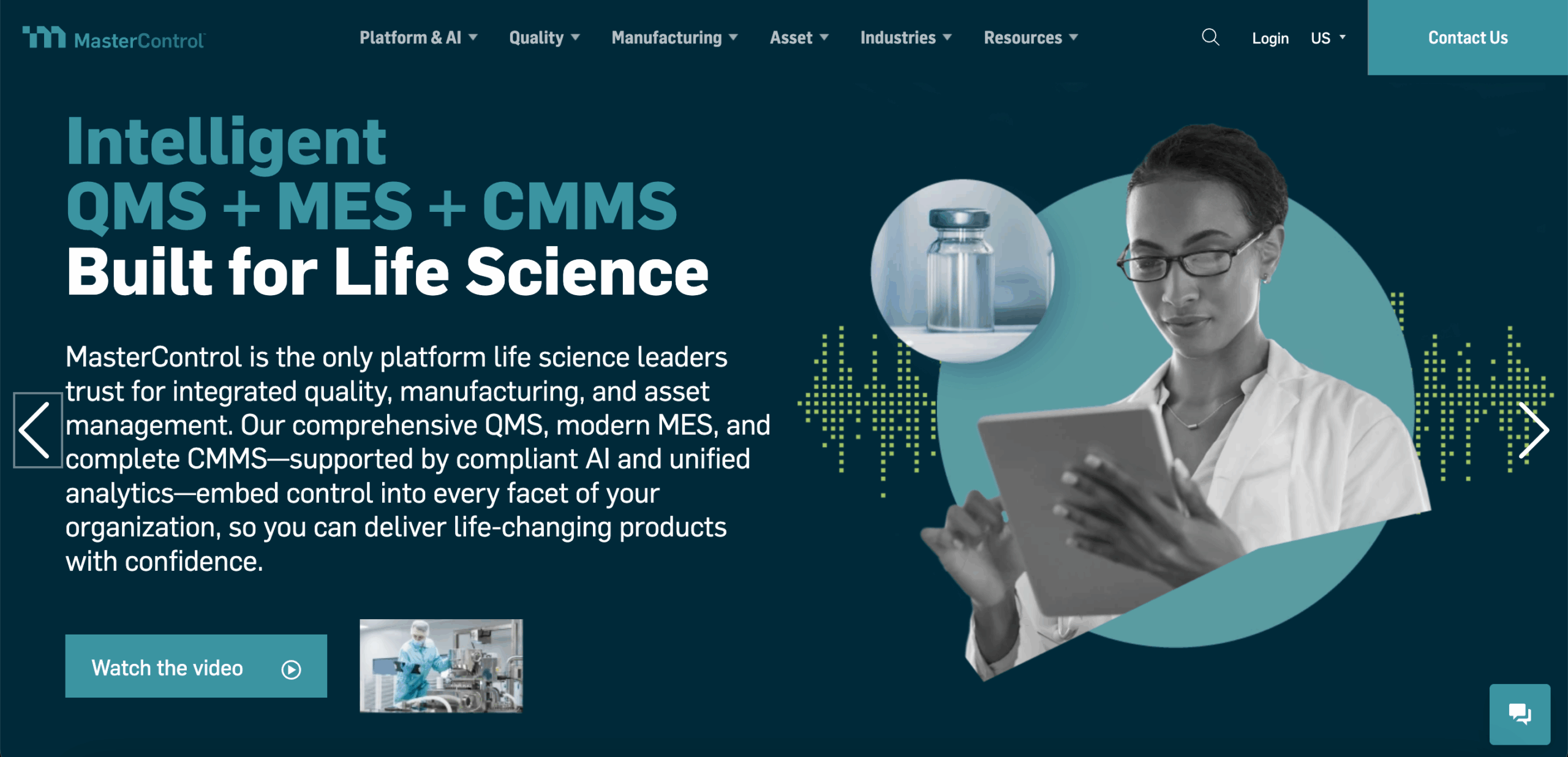
Image source: mastercontrol.com
MasterControl quality management system helps regulated companies manage compliance and product quality in one connected platform. It’s widely used in the life sciences and medical device industries.
The cloud-based system replaces paper files with automated workflows that manage documents, CAPA, audits, training, and supplier relationships.
MasterControl helps teams follow standard operating procedures and keep records organized. It supports compliance with FDA, ISO, and other global standards while improving visibility across departments.
Key Features
- Automated document management with version control and e-signatures
- Simple workflow builder for creating custom processes
- Integrated modules for CAPA, audits, and training
- AI tools that spot trends and recurring quality issues
- Supplier quality management with built-in tracking
- Dashboards for viewing audit progress, training, and CAPA activity
- Analytics that improve data quality and reporting
- Validation tools that speed up implementation
- Integration with ERP and manufacturing execution systems (MES)
Pros
MasterControl connects all quality management processes so teams can work from one reliable system. It reduces repetitive work and helps keep information accurate and traceable.
The automation tools and AI insights help teams identify potential risks early.
Cons
The interface feels dated, and it can take new users some time to adjust. Some workflows include too many steps, which can slow down daily work.
Custom changes usually need vendor support, and printing large numbers of controlled documents can take extra time.
Pricing
MasterControl doesn’t share pricing publicly.
3. ZenQMS
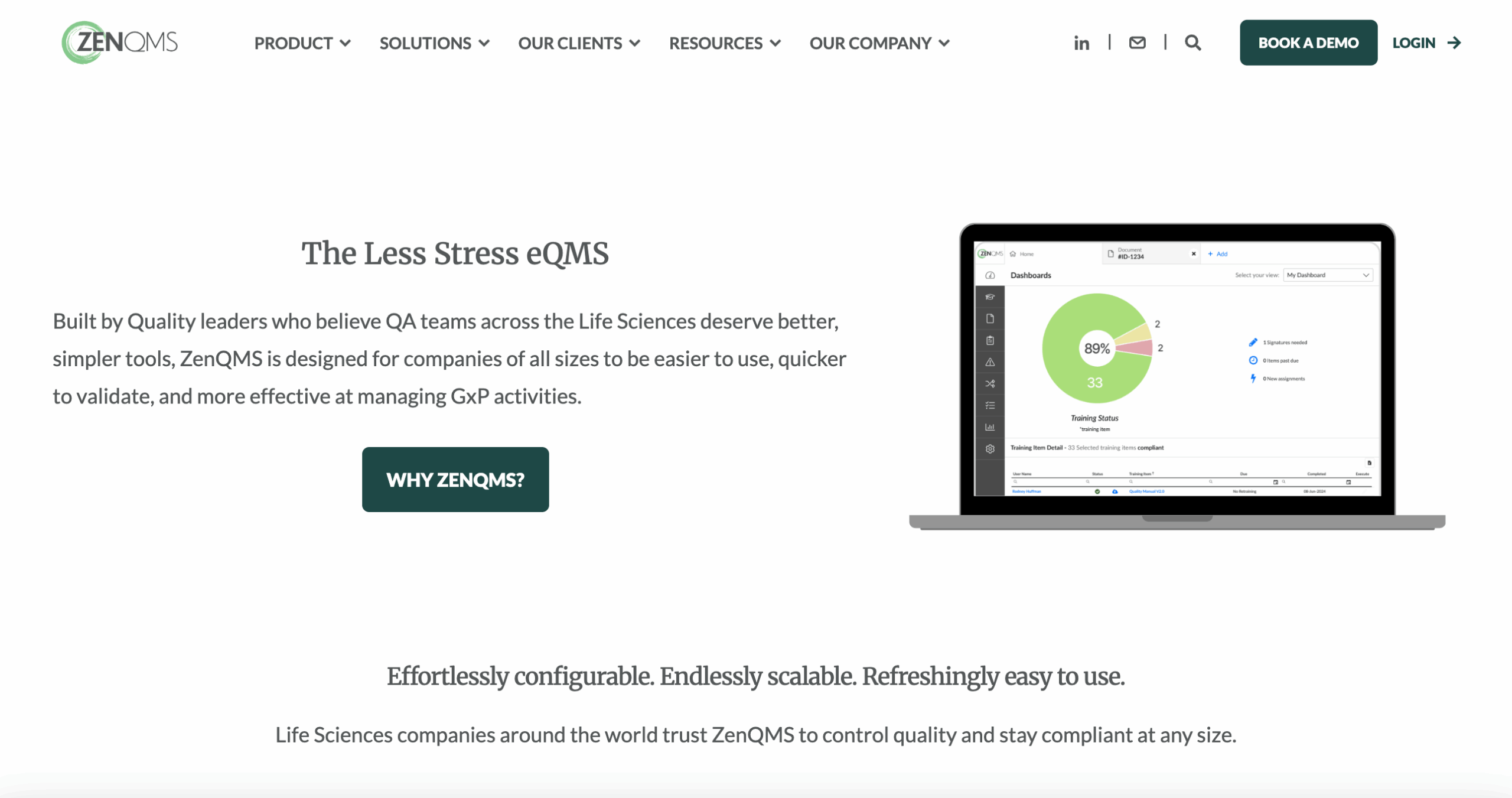
Image source: zenqms.com
ZenQMS is a cloud-based quality management solution made for the life sciences industry and other heavily regulated industries.
It helps teams handle document control, training, CAPA, audits, and change management in one system.
The platform supports global industry standards such as ISO 9001, ISO 27001, service organization control (SOC) II, and the Health Insurance Portability and Accountability Act (HIPAA).
ZenQMS includes all the tools needed to maintain compliance without adding extra complexity. It provides validation materials at no additional cost and includes guided setup support.
Every user can access all features from day one, making it easier for growing teams to keep up with regulatory requirements and quality policies.
Key Features
- Document control with version tracking and user permissions
- Integrated CAPA, training, change control, and audit modules
- Automated training reminders with shareable content object reference model (SCORM) content support
- 21 Code of Federal Regulations (CFR) Part 11-compliant electronic signatures
- Supplier and audit tracking tools
- Keyword search for quick access to records and files
- Configurable workflows that match company processes
- Dashboards that display compliance and training progress
- Reports for tracking data quality and performance trends
- Validation materials are included to support compliance management
Pros
ZenQMS is known for being simple to learn and easy to use. The interface helps teams locate documents, finish training, and review audits without technical barriers.
The system’s flexibility makes it adaptable to company workflows, which helps teams ensure compliance with regulations. Users can scale their use of the platform as the organization grows.
Cons
Some users say the document numbering setup can be confusing and often choose to create their own method. Deleting unapproved draft documents takes extra steps, which can slow down work.
The audit trail records activity accurately, but can be difficult to review when looking through large data sets.
Data migration during setup requires attention, and learning how to use the templates may take additional time. Users mentioned that one software update could have used more testing before release.
Pricing
ZenQMS doesn’t list its pricing publicly.
4. TrackWise

Image source: spartasystems.com
TrackWise is a cloud-based QMS that helps companies manage audits, CAPA, training, and compliance in one platform. It’s commonly used in the life sciences and manufacturing sectors.
The system helps teams simplify compliance processes, organize quality data, and keep daily operations connected.
TrackWise uses automation and analytics to address common quality management challenges.
This digital tool helps companies track nonconformances, document approvals, and corrective actions without relying on manual systems. Teams can collaborate more easily and share updates across departments in real time.
Key Features
- Management of quality events, CAPA, audits, and change control
- Central tracking of deviations and nonconformances
- Integrated document and training management
- Automated notifications, approvals, and escalations
- AI-assisted data categorization and reporting
- Dashboards for quality and compliance trends
- Complaint handling linked to customer requirements and product data
- ERP integration with systems like SAP and manufacturing data management systems (MDMS)
- Mobile access for audits and remote reviews
Pros
TrackWise Digital provides a connected environment for managing all QMS processes in one place.
The system’s analytics and reporting tools help teams track performance and spot recurring quality issues early.
Integration with ERP systems improves traceability and supports better collaboration across departments.
Cons
Users mention that the interface can be difficult to use, especially when writing investigations or generating reports.
Customization often requires vendor support, which can slow implementation. The transition from paper-based systems can also take time to complete.
Since the platform operates in the cloud, it depends on a stable internet connection, which can affect performance in low-connectivity areas.
Pricing
TrackWise Digital doesn’t share pricing publicly.
5. Qualio

Image source: qualio.com
Qualio is an electronic quality management system (eQMS) made for the life sciences industry. It’s used by medical device, pharmaceutical, and biotech companies to manage documentation, training, audits, and risk in one place.
The platform helps teams move away from paper-based processes and organize compliance activities in a connected, digital environment.
It supports major regulatory frameworks, including ISO 13485, ISO 14971, FDA 21 CFR Part 11, and International Council for Harmonisation (ICH) Q10.
That makes it a reliable option for companies that work in highly regulated settings.
Qualio is often used by medical device start-ups and mid-sized teams that want a simpler way to manage their QMS processes without a heavy technical setup.
Key Features
- Centralized document management with version tracking and full traceability
- CAPA and nonconformance management with audit trails
- Training and employee competency tracking
- Supplier and third-party oversight
- Change control with approval workflows
- Validation-ready setup for audit readiness
- Risk management aligned with ISO 14971 and ICH Q9
- Configurable dashboards for monitoring compliance progress
Pros
Some users say Qualio is easy to set up and learn. The electronic quality management system lets teams import existing templates and documents, which speeds up implementation.
User feedback often highlights the platform’s flexibility, straightforward layout, and responsive support team. Training materials are clear and help new users get comfortable quickly.
Cons
Users mention that automation is limited. Document validation, design control, and risk management often need manual review.
The connection between design control and risk functions can also be inconsistent under ISO 13485 requirements.
Others note that the seat-based pricing model can restrict access for larger organizations. That can make full adoption difficult for teams that need everyone involved in the system.
Pricing
Qualio doesn’t post pricing publicly.
6. Intellect
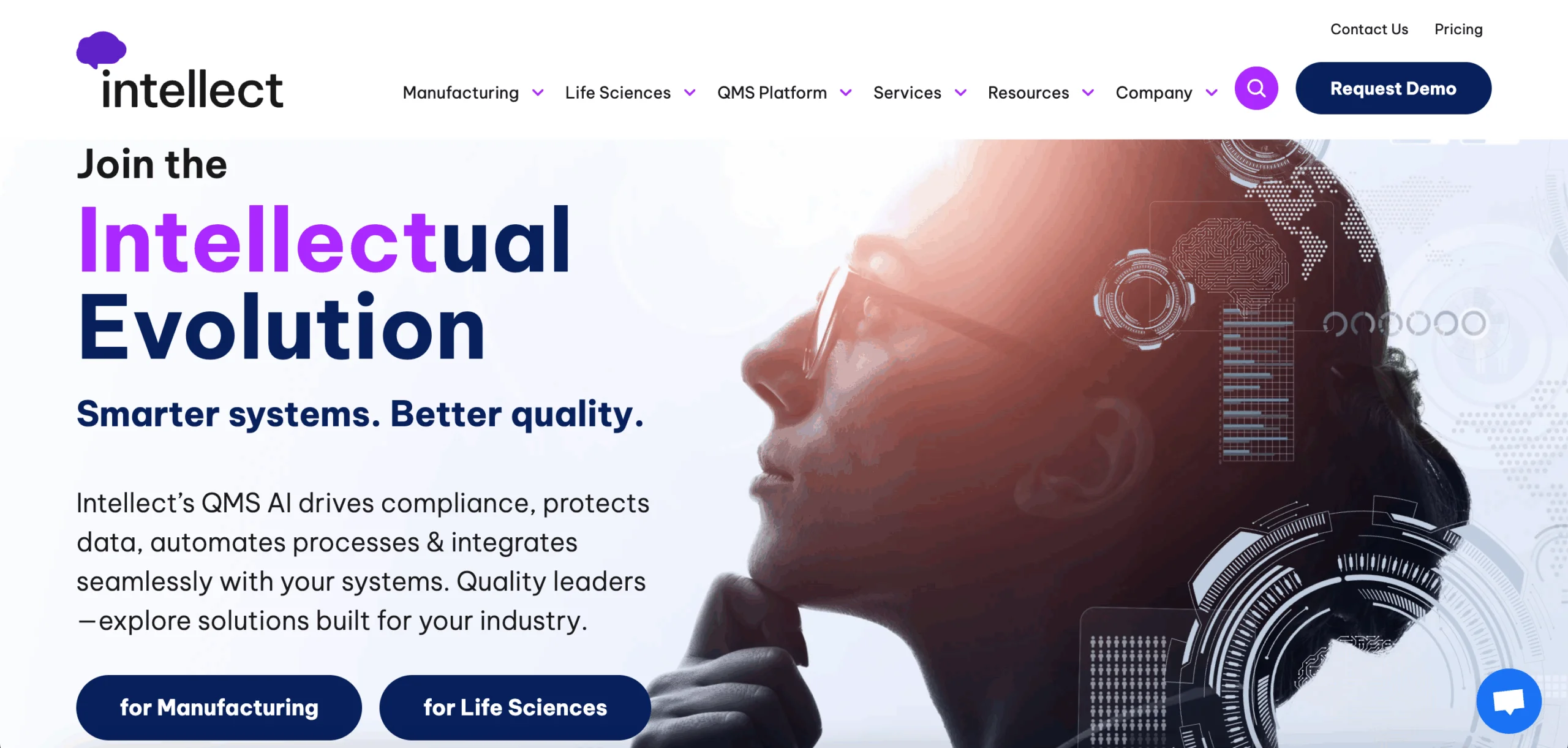
Image source: intellect.com
Intellect is an enterprise quality management system that helps manufacturing and life sciences organizations manage compliance, audits, and product quality.
The system supports industries that follow ISO and FDA standards, helping teams organize documentation, CAPA, and risk management activities.
The platform includes modular software solutions that companies can configure to match their existing workflows. Its AI-driven tools help analyze quality data, automate reporting, and monitor trends.
Intellect focuses on improving visibility across operations while maintaining consistency in compliance and product oversight.
Key Features
- Configurable modules for CAPA, audits, risk, and change management
- Document control with electronic signatures and version tracking
- Integration with ERP and third-party systems through APIs
- Mobile access for audits, training, and record review
- AI-powered analytics for quality and compliance data
- Reporting dashboards for real-time performance tracking
- Tools for the production part approval process and documentation control
- Secure audit trails for validation and compliance reviews
- Support for statistical process control and process monitoring
Pros
Some users appreciate Intellect’s flexibility and modular setup. The enterprise quality management system adapts to existing workflows, which helps teams avoid major process changes.
Integration with ERP systems improves collaboration and supports better operational efficiency across departments.
Others also find the platform helpful for manufacturers that need control over detailed compliance and documentation processes.
Cons
Users say the no-code configuration tools take time to learn. The interface can be slow, and not every feature allows full customization.
Occasional login issues and navigation resets have also been mentioned.
While the AI tools support analytics, the system doesn’t yet fully apply machine learning for predictive insights.
Users also note that Intellect’s pricing is higher than some competitors, which can make it less accessible for smaller organizations.
These factors can affect adoption, especially for teams managing frequent audits or CAPA events.
Pricing
Intellect offers three pricing tiers:
- Pro starts at $19,000 annually
- Premier starts at $29,000 annually
- Enterprise starts at $39,000 annually
Each plan builds on the previous one. Actual pricing depends on the number of users and deployment type.
7. QT9

Image source: qt9software.com
QT9 QMS is an electronic quality management system that helps organizations manage audits, training, and document control in one platform.
It’s used by small businesses and international organizations that need to meet ISO standards.
The system brings all quality data together so teams can track updates, manage customer complaints, and maintain compliance with less manual work.
Many manufacturers and life sciences companies use QT9 to help deliver high-quality products while keeping their compliance processes organized.
Its connected modules automate documentation, reduce human error, and make it easier to maintain consistent results across departments.
Key Features
- Centralized document management with version tracking and audit trails
- CAPA management with automated routing and task tracking
- Audit, deviation, and risk management modules
- Complaint tracking and resolution tools
- Employee training management with assignments and testing
- Change control with traceable approvals and records
- Web portals for customers, suppliers, and employees
Pros
Some users describe QT9 as easy to learn and practical for daily use. The system connects key QMS processes, giving teams better visibility into compliance activities.
Reviewers also mention that its validation-ready setup and responsive support help teams start quickly.
Others note that the licensing structure keeps costs manageable for companies that need wider access.
Cons
Users say customization is limited in modules such as safety and maintenance. Notifications and approvals can be restrictive, and linking several records in one workflow sometimes takes extra steps.
Some reviewers also mention missing features like budget tracking or detailed access control by department.
Pricing
QT9 doesn’t publish pricing information.
8. Veeva Vault QMS
Image source: veeva.com
Veeva Vault is a cloud-based QMS used in the life sciences industry. It helps companies manage deviations, audits, complaints, CAPAs, and supplier quality within one platform.
The software supports compliance management and gives internal teams and external partners shared visibility over ongoing quality activities.
Veeva Vault connects with other Veeva applications, including regulatory, safety, and clinical systems. This integration helps organizations maintain consistent data and align processes across departments.
Companies use it to manage product changes, document approvals, and supplier oversight with fewer manual steps.
Key Features
- Automated workflows for deviations, complaints, and CAPAs
- Supplier quality management and risk assessment tools
- Configurable forms and workflow setup
- Audit trails compliant with Annex 11 and 21 CFR Part 11
- Real-time dashboards and reports on quality events
- Integration with ERP and customer relationship management (CRM) systems
- Mobile access for tasks and approvals
Pros
A few users say Veeva Vault makes it easier to manage controlled documents such as standard operating procedures and policies. Its audit trails help track changes and approvals for compliance reporting.
Reviewers also note that it helps large organizations maintain structure in complex quality workflows.
Cons
Users say the system takes time to learn. Starting workflows or viewing progress can feel complicated for new users. Only document owners can make certain changes, which can slow collaboration.
Others mention that uploading files or organizing electronic trial master file (eTMF) folders requires too many steps, making it less intuitive to use.
Pricing
Veeva Vault QMS doesn’t post pricing publicly.
Set a New Standard in Quality Management With TLM Software

Choosing the right quality management system means finding software that supports how your business actually runs.
Many systems focus on compliance but don’t adapt to the daily work of different teams.
TLM brings every part of your quality process together in one connected platform. It’s simple to use and easy to maintain.
TLM includes tools for audits, CAPA, change control, document management, risk, metrics, and training. It also links quality with team performance through employee evaluations, feedback, and information tracking.
This connection helps every department stay consistent and accountable across all operations.
TLM delivers the same range of functions as enterprise systems at a lower cost. It helps organizations meet regulatory standards and exceed customer expectations through dependable results.
Its adaptable structure gives businesses a lasting competitive advantage by uniting quality and compliance under one framework.
FAQs About Best QMS Software
What are the four types of QMS?
The four main types of quality management systems are total quality management (TQM), six sigma, ISO 9001, and lean manufacturing.
Each one focuses on improving consistency, reducing errors, and maintaining compliance across operations.
How much does QMS software cost?
QMS software pricing varies depending on the provider, number of users, and included features. Many platforms charge monthly or annual subscription fees.
For instance, TLM Software starts at $55 per user each month, with full access to modules and training support.
Is SAP a QMS?
SAP isn’t a dedicated QMS, but it includes quality management features as part of its broader ERP system.
It helps track compliance and process quality, but lacks the specialized depth found in dedicated QMS tools like TLM.


 Demos
Demos