
Why do digital documents still slow work down? Files move through emails, shared drives, and business systems, but nothing connects them. Teams end up second-guessing which version to use.
Integrated document management brings everything into one place and links it with the tools your business already uses. It turns scattered files into a single source you can rely on.
This guide shows how to keep documents accurate and consistent across systems.
TL;DR
- Integrated document management connects files to systems like CRMs or ERPs, so records match wherever you use them.
- It prevents version mix-ups by linking one file instead of saving multiple copies in different tools.
- Features like version control, approvals, and audit trails keep updates tracked and easy to review.
- Regulated teams need document control to record approvals, revisions, and meet audit requirements.
- TLM adds reviewer assignments, approval routing, and training links to keep document control consistent.
What Is an Integrated Document Management System?
An integrated document management system (IDMS) keeps business files organized and connected to customer relationship management (CRM) and enterprise resource planning (ERP) systems.
Contracts, invoices, standard operating procedures (SOPs), emails, and project files no longer sit in separate apps or folders.
Documents link to the data they belong to, so records match wherever they appear. When a document updates, the related records reflect that change. Teams don’t have to re-upload files or track down different versions.
How Integrated Document Management Fixes Data Silos
Data silos happen when files and records are spread between separate systems. Integrated document management fixes that by connecting documents with your existing tools, so the same information follows the work from sales to operations.
The Cost of Disconnected Systems
Searching for files takes time when records are split between email, shared drives, accounting software, and customer systems. According to Slite, search problems drain 45% of productivity and affect workforce output 63% of the time.
Version mix-ups add another problem. A quote may show one number in the CRM, another in email, and a third in a saved file. That kind of mismatch slows approvals and sends the wrong information to clients.
Document Integration With Business Systems
Document management integration connects files with the systems already in use. In a CRM, account records can connect to contracts, proposals, and email threads.
In ERP software, production records can connect to specifications, work instructions, and quality files.
Accounting records connect too. Invoices, purchase orders, and supporting files remain linked, so finance reviews the same record sales approved. That reduces manual data entry and prevents duplicate records.
Here’s a simple example. A sales agreement enters the CRM, finance links billing records to it, and operations references the same file when work starts. No one needs to upload a new copy for each system.
Shared Records Between Departments
When every department refers to the same file set, fewer questions come up about which version is correct. Sales, finance, operations, and human resources all look at the same record.
That shortens the time spent verifying information. It also makes it easier to find relevant documents and share up-to-date information within the business.
Key Features That Make Integrated Document Management Effective
An effective document management solution supports the entire document management process, from capture through approval to updates.
- Centralizing document storage: Keeps digital files and important records in one system, so teams don’t manage documents in separate locations.
- Search tools: Help users find specific documents using keywords, metadata, or file content. This makes it easier to locate contracts, reports, and other quality documents when needed.
- Version control: Tracks document revisions and keeps a full history. Teams can review changes, confirm updates, and avoid using outdated files.
- Workflow automation: Routes documents through approvals based on assigned roles. This keeps the document management process consistent and reduces delays from manual steps.
- Access control: Manage who can view or edit files. This helps meet regulatory requirements and protects sensitive records.
- Audit trails: Record activity such as edits, approvals, and access history. These records support compliance and risk management during reviews and audits.
Without these features, digital document management turns into basic file storage.
Best Practices for Implementing Integrated Document Management
Start with your existing files. Remove duplicates, archive outdated records, and identify what needs to move into the new system. A clean data migration prevents old filing issues from carrying over.
Set clear rules for document handling. Assign reviewers and approvers, establish where final versions are stored, and track how updates get recorded. This keeps document sharing and secure storage consistent.
Use automation for repetitive tasks. Route approvals through the system, send notifications automatically, and assign reviews by role or department. Automating routine tasks cuts manual follow-ups and keeps work progressing.
Train employees based on their role. Finance, operations, quality, and human resources won’t use the system the same way. Focus training on the workflows and security features each group uses.
Start with one process or department. Fix issues early, then expand once the workflow is stable. This method improves efficient management and helps teams adapt faster.
Integrated Document Management vs Traditional Document Management Systems
Most companies already have document management software. The bigger question is whether that system only stores files or also connects them to the rest of the work.
Where Traditional Document Management Falls Short
A traditional document management platform focuses on document storage and document retrieval. Files get uploaded, organized, and accessed when needed.
That works for storing important documents, but it doesn’t cover how those files move through document handling processes.
For example, a contract might start in the system, get edited in email, and then be saved again as a new file. That creates multiple document versions and increases the risk of human error.
Connections with other tools are limited. Project-related documents, customer records, and accounting data often exist in separate systems. Teams end up copying data or repeating manual tasks to keep records consistent.
DMS vs ECM vs Integrated Document Management
A document management system (DMS) focuses on files. It stores records, tracks document versions, and controls access.
An enterprise content management (ECM) system covers more than documents. It includes media, web content, and other knowledge resources connected to larger business processes. That often requires more setup and comprehensive training.
An integrated system keeps document management simple but connects files with existing tools. It links document management practices with automated workflows, so files move with project management processes.
Why Document Management Alone Isn’t Enough for Regulated Industries
Integrated document management improves document retrieval and keeps files organized, but regulated industries need tighter control over how files change and who approves them.
Basic document management tools focus on storage and access, not on enforcing the rules required by industry regulations.
This becomes a problem during audits. If approvals aren’t recorded or document updates don’t follow a defined process, there’s no reliable record of what changed or who approved it. Missing detailed audit trails can lead to compliance issues.
The same gaps show up in everyday work. Teams may use outdated procedures, sensitive files may be shared too broadly, and training records may not reflect recent updates.
Industries like manufacturing, healthcare, life sciences, and finance operate under strict requirements. They need efficient version control, recorded approvals, and full traceability for every change.
Adding QMS Document Control to an Integrated Document Management System
Integrated document management connects files with the systems a business already uses. A QMS adds rules for document capture, review, approval, release, and revision.
That changes how records get updated and approved. A procedure doesn’t pass through email, get edited in a shared drive, then reappear as a second copy. The system records the approved version, routes it to the right reviewers, and logs every update.
QMS document control also links documents to training. When a procedure changes, assigned team members receive the updated version along with required training. This keeps knowledge sharing based on approved content.
Access controls set who can view, edit, or approve documents, while audit trails record each action. TLM brings these elements together, so approvals, updates, and records remain consistent and ready for review.
Measuring Document Management Performance
Once the system is in place, evaluate how it performs during daily work and regulatory audits. The right metrics show whether your document management process supports daily work, records management, and compliance.
- Document retrieval time: Track how long it takes to find contracts, procedures, invoices, and other records. Faster retrieval usually points to better organization and quick access to needed information.
- Approval turnaround: Measure how long files spend in review before final approval. Shorter cycles show that automated processes route work to the right reviewers.
- Version accuracy: Check how often employees open the wrong file or rely on outdated procedures. Fewer errors show that document control is working as expected.
- Audit preparation time: Measure how long it takes to pull approvals, revision history, and access records. Faster access indicates stronger records management and data security.
- Manual admin time: Look at how much time goes to follow-ups, reuploads, and status checks. When those hours drop, the system meets real business needs.
These metrics show what’s working and what still needs attention. They also make it easier to evaluate whether a system like TLM can address those gaps.
How TLM Software Improves Integrated Document Management
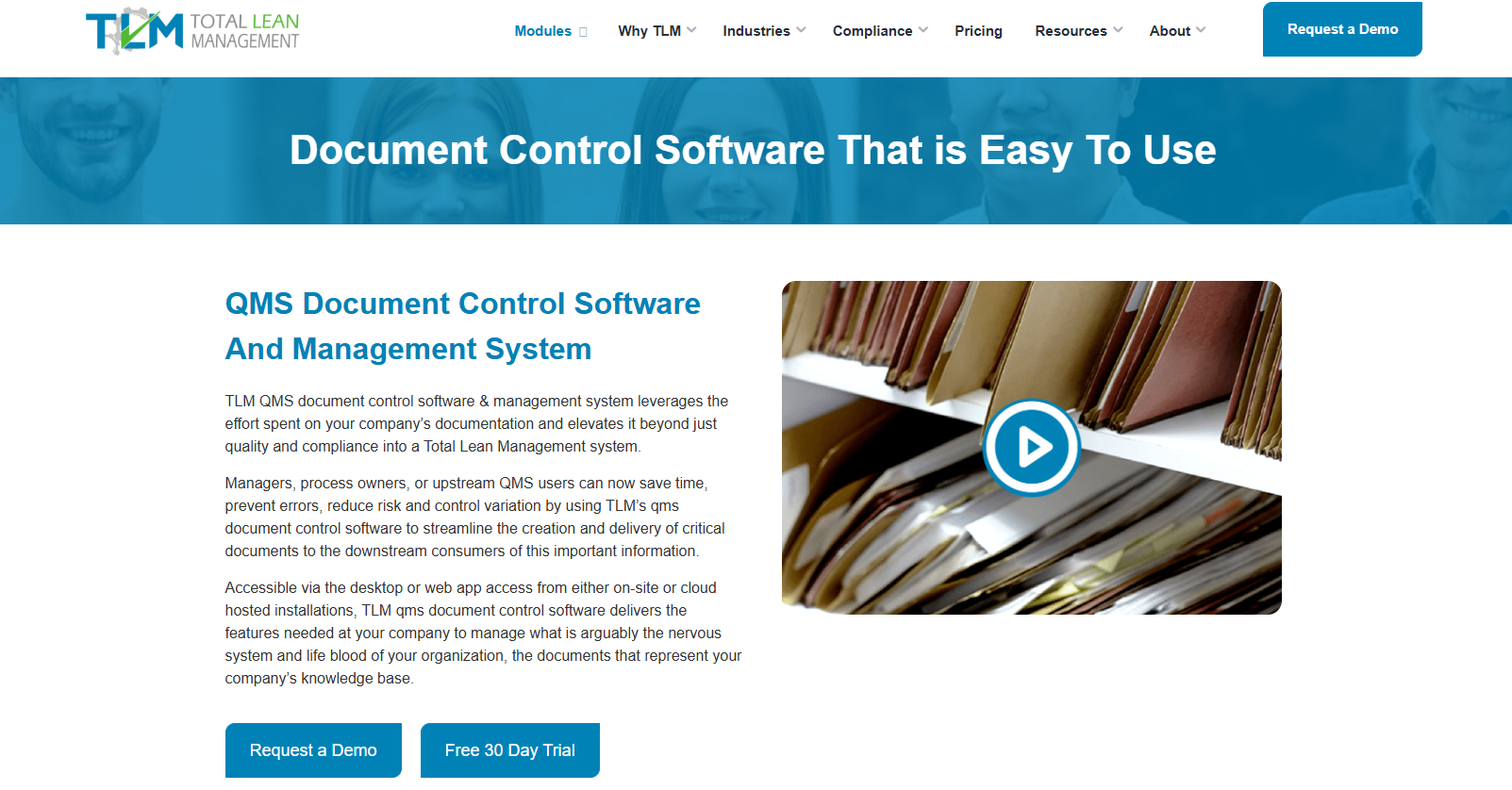
TLM adds document control to integrated document management by organizing the review, approval, assignment, and revision of policies, procedures, forms, and other records.
Users can access documents through both TLM and the Companion Web App.
Encoded URLs let documents securely refer to each other in the body of the document for easy referring between procedures and related work instructions.
Document Control, Access, and Review
TLM automates key workflows to reduce costs and error rates. Reviewer assignments can follow groups or departments, and approval routing can follow series, parallel, or optional review stages before final approval.
Electronic signatures comply with 21 CFR Part 11 for single or multiple approvals. Document tasks appear in a user-specific dashboard, and summary emails notify team members when action is required.
The Companion Web App provides browser read-only access without downloading copies. Unlimited web app licensing also extends access to company documents.
Training, Existing Files, and Connected Modules
TLM links job titles to required training, so employees automatically receive the documents they need. It also connects with 21 TLM modules through Fusion Technology and integrates with change management software.
It works with existing files such as Word, Excel, and PDF documents. Import features help bring those records into the system while keeping existing numbering and revision policies intact.
TLM can also track physical documents when printing is still required. This gives companies a practical way to improve document control without replacing every file at once.
Integrated document management connects digital files with the systems your business already uses, but regulated work also needs control over how records get reviewed and approved.
Policies, procedures, and quality documents need assigned reviewers, approval routing, and consistent handling to meet regulatory requirements.
TLM adds that structure to the document management process. It automates key workflows, assigns reviewers by group or department, and keeps documents centralized with controlled access through the Companion Web App.
It also connects employees to job titles and required training for automated document training assignments.
FAQs About Integrated Document Management
Is integrated document management different from a DMS?
A document management system (DMS) stores files like contracts, reports, and invoices. Integrated document management connects those files to customer relationship management (CRM) systems, so the same contract or record shows consistent data wherever it’s used.
Why is document control important for compliance?
Document control tracks who approved a document, what changed, and when it changed. Auditors look for that history, and without it, it’s hard to prove that procedures were reviewed and followed.
Can integrated document management support ISO certification?
It can when document control is in place. You need recorded approvals, version history, and consistent procedures so auditors can review complete records without missing steps.