


Most quality management system (QMS) tools look impressive on a sales page.
Once teams rely on them, the same issues resurface every quarter. That pattern raises compliance risk and weakens accountability.
This article reviews the top ten QMS tools for 2026. You’ll see how each platform performs after rollout, how teams actually use it, and where it holds up or falls apart.
By the end, you’ll know which QMS tools deserve your time and which ones don’t.
TL;DR
These are the best QMS tools for 2026:
- TLM
- EASE
- Propel
- qmsWrapper
- QT9
- Intellect
- ACE by PSC Software
- Ideagen
- Qualio
- AssurX
What Are QMS Tools?
QMS tools are software platforms used to manage core quality management system activities.
They handle document control, audit tracking, training records, corrective and preventive actions, and quality records in one system.
QMS tools enforce approval steps, maintain version history, and record audit evidence.
This helps organizations meet regulatory requirements and keep quality work organized and traceable.
Top 10 QMS Tools to Try in 2026
The QMS tools below earned a place on this list based on how they perform after rollout.
Each platform is assessed through audits, corrective and preventive actions (CAPA), training, and document control, to show what teams can expect in daily use.
1. TLM
Total Lean Management (TLM) earns its place among the best QMS tools by fitting into how quality teams already operate. Many systems force rigid workflows and static templates.
TLM does the opposite. It adjusts as quality programs grow and regulatory pressure increases.
The QMS software delivers a complete quality management system for International Organization for Standardization (ISO) and Food and Drug Administration (FDA) regulated environments.
Teams use it to run audits, manage CAPA, assign training, track customer feedback, and maintain quality records.
It supports ISO 27001, 13485, 17025, 16949, 9001, 22000, and 21 CFR Part 11.
That makes it an excellent option for medical device manufacturers and other regulated teams.
Two Applications for Different User Roles
TLM uses two connected applications to keep quality work organized.
Quality leaders and managers use the main application for reporting, configuration, metrics, and management review.
Employees use the Companion Web App to complete assigned tasks, approvals, training, and work instructions without navigating the full system.
This setup cuts down on manual processes and keeps quality activities consistent across departments.
Key Features
- Document control with version control and approval workflows
- Audit management with evidence capture and assigned actions
- Corrective and preventive action workflows tied to quality issues
- Training management is linked to employee training records
- Build custom forms with email notifications and approval routing
- AI-powered compliance reviews and document content search
- Dashboards that list open actions and overdue tasks by owner
- Multi-location controls with record separation by site
- Validation templates for ISO 13485 and medical device teams
Configuration That Matches Existing Processes
Many quality management software tools lock organizations into fixed fields and workflows.
TLM lets administrators rename fields, modify modules, and adjust workflows to match existing terminology and compliance practices.
System settings isolate updates so new features don’t disrupt active records.
Custom forms capture only required data. The Connection Manager transfers data from other business systems into TLM, which reduces duplicate entry and keeps quality data consistent.
Reporting That Flags Problems Early
The TLM dashboard consolidates audits, corrective actions, training gaps, and approvals into one task list per user. Alerts and summary emails flag overdue work before audits begin.
Reports highlight repeat findings tied to suppliers, products, and processes. That insight helps organizations focus on preventive action and maintain product quality.
Schedule a TLM demo to see how this QMS software fits your quality management processes!
2. EASE
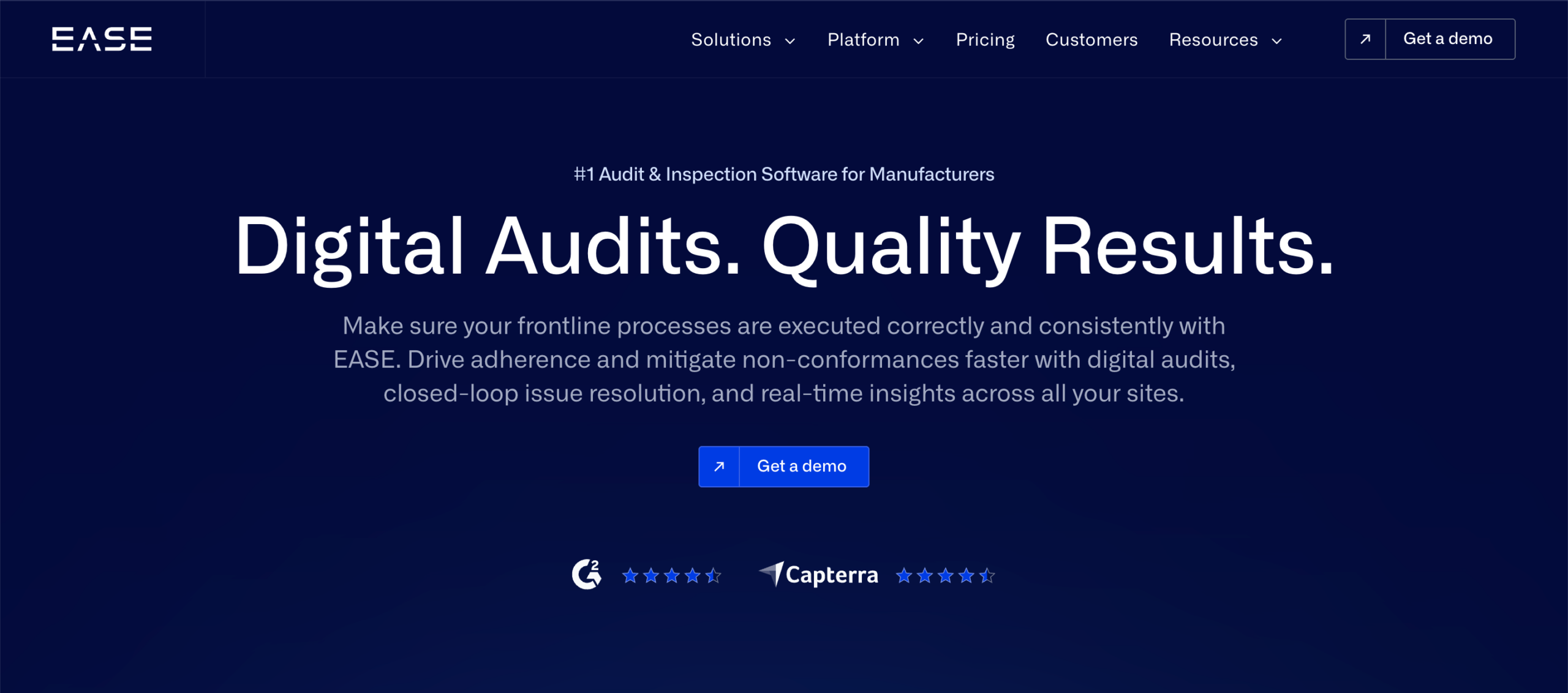
Image source: ease.io
EASE is a digital audit tool used to run inspections and manage corrective actions across production operations.
Manufacturing organizations use it to replace paper audits and standardize inspections across multiple sites.
The platform focuses on audit execution and follow-up, with findings routed directly into compliance workflows.
EASE doesn’t function as a full quality management system software. It concentrates on audits, issue resolution, and audit data related to operational quality processes.
Key Features
- Mobile audits through a web version on phones and tablets
- Custom audit templates aligned with internal quality standards
- Issue logging connected directly to CAPA management and action plans
- Audit scheduling by site, area, line, or station
- Randomized audits to limit predictable inspection patterns
- Photo and video capture to document operating conditions
- Dashboards with real-time data across single or multiple locations
- Reporting by location to review audit completion and findings
Pros
EASE is useful for organizations that run frequent audits as part of production oversight. Mobile access supports inspections without paper forms.
Audit findings link directly to corrective actions, which helps standardize follow-up across locations.
Implementation time is shorter than broader QMS platforms. That makes EASE easier to deploy when audit execution is the primary requirement.
Cons
EASE doesn’t replace a complete quality management system. Document management, staff training records, change control, and product lifecycle management fall outside its scope.
Medical device and life sciences organizations often need additional systems for risk management and adverse event tracking.
Report configuration can require manual setup. Some administrative tasks lack batch actions, which slows reviews as audit volume increases.
3. Propel
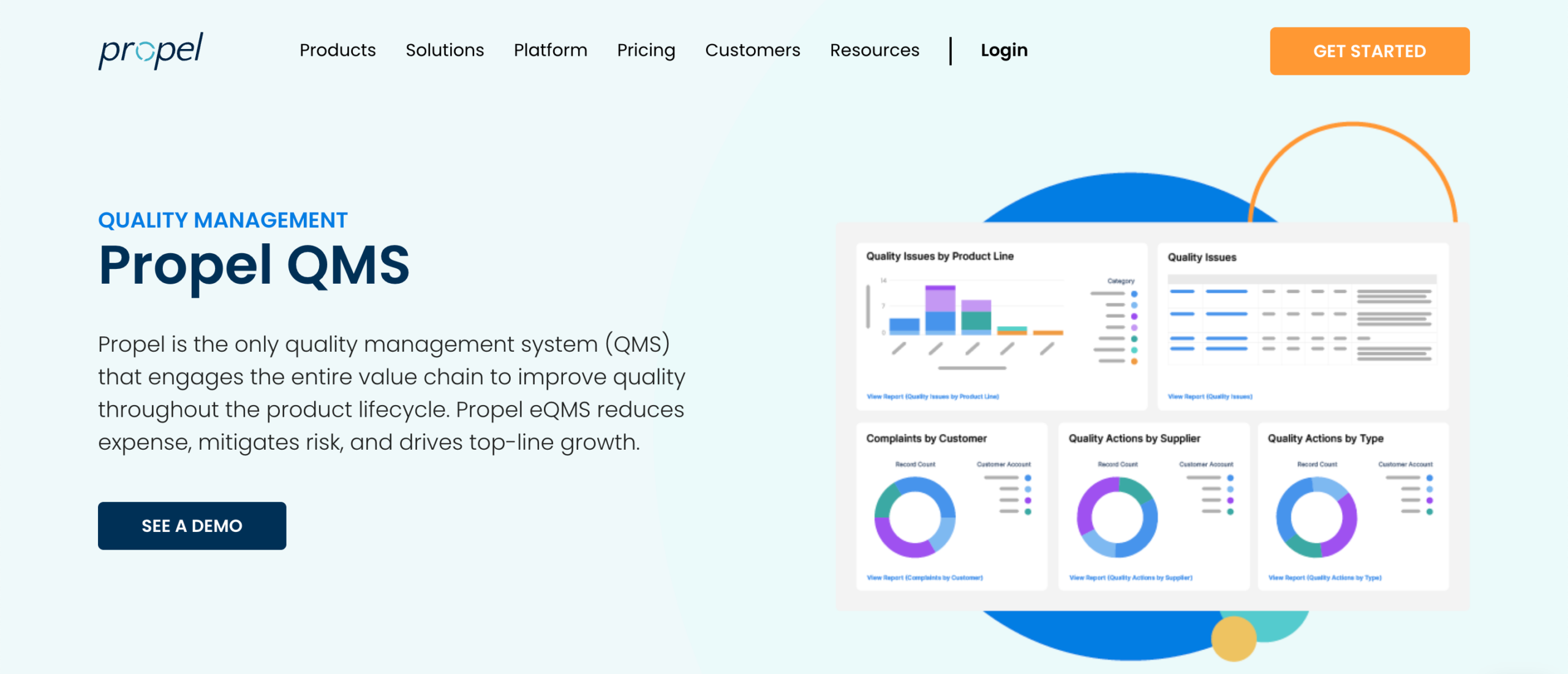
Image source: propelsoftware.com
Propel is a cloud-based quality management system that links quality work to product data. Organizations use it when quality, engineering, and supplier information stay connected inside one system.
This setup is common in regulated environments where products change often, and documentation follows those changes.
Medical device companies and life sciences organizations use Propel to manage product development and compliance work.
Key Features
- Change management workflows connected to engineering changes
- CAPA management linked to customer complaints and non-conformances
- Complaint handling with logic for regulatory reporting
- Supplier quality tools to track supplier performance and supplier corrective action requests (SCAR) activity
- Training management tied to controlled documents and product versions
- Audit management with traceability across quality records
- Design history files, device master records, and electronic signatures
- Dashboards that show real-time insights across product and quality data
Pros
Propel links quality records to product structure. Complaints, corrective actions, and audits connect to specific parts and revisions.
That traceability helps quality and engineering teams see where issues start.
Quality review can begin earlier in development. That reduces late changes and supports regulatory requirements connected to product specifications.
Cons
Propel takes time to set up. Workflow design and custom fields often require careful planning, especially in organizations with established business processes.
Search relies on exact part numbers or document names. That can slow access to records. Mobile access remains limited for field updates.
Organizations that only need audits or training records may find the platform broader than necessary.
4. qmsWrapper
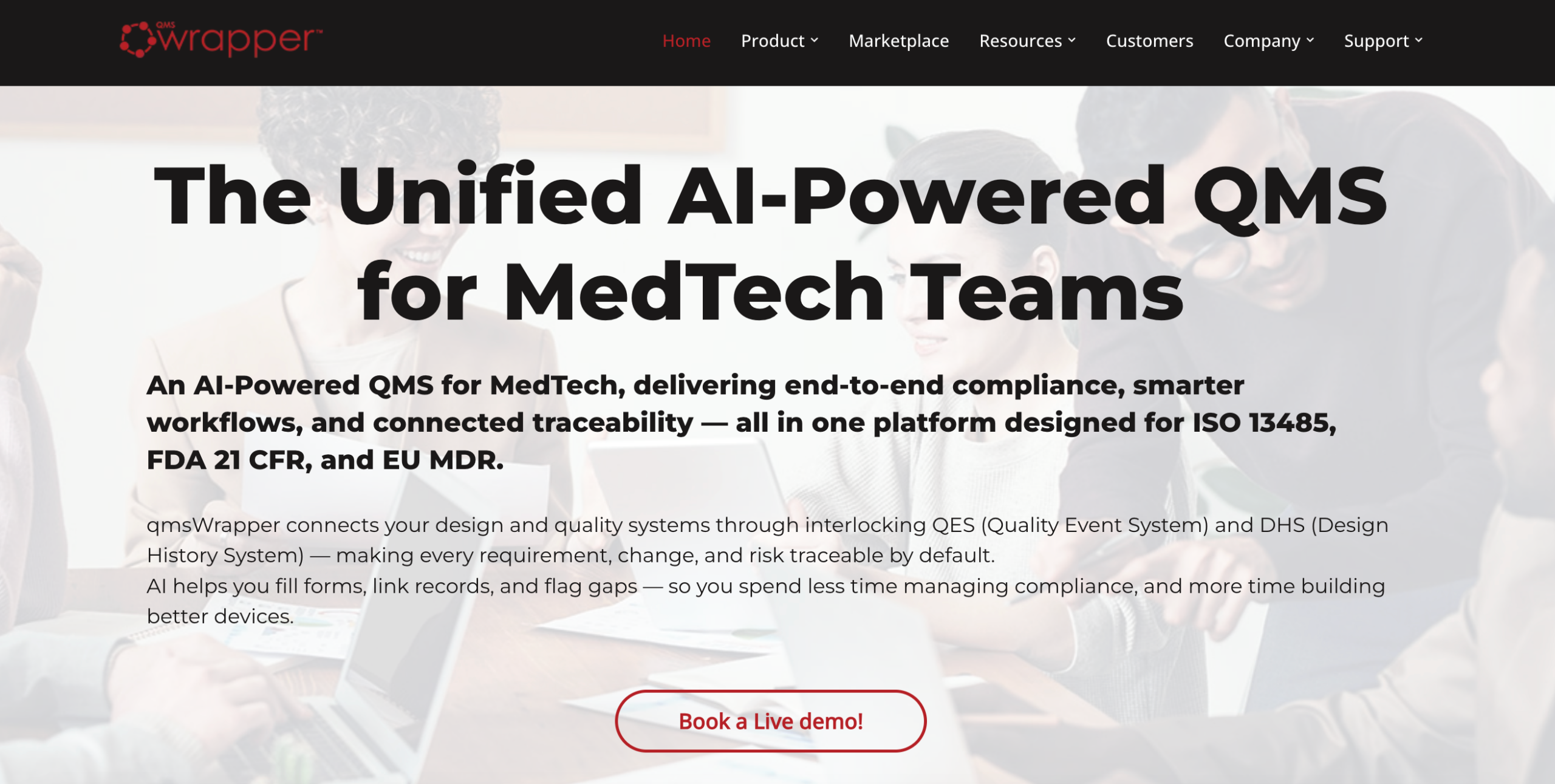
Image source: qmswrapper.com
qmsWrapper is a trusted quality management tool used by medical device organizations.
The system manages design control, risk management, and post-market quality events in one environment.
It replaces spreadsheets, shared folders, and disconnected logs that often weaken regulatory compliance.
The platform aligns with ISO 13485, FDA 21 CFR Part 820, and European Union Medical Device Regulation requirements.
Organizations adopt qmsWrapper to maintain traceability across design history files, risk files, and quality records as products change.
Key Features
- Event-driven quality management tools for deviations, complaints, and audit findings
- Design history system linking requirements, design inputs, tests, and risks
- Document management with version control and electronic signatures
- Change and deviation management tied to design and risk records
- Risk management aligned with ISO 14971 using structured hazard logs
- Design traceability matrix connecting requirements, tests, changes, and risks
- Customer complaints management linked to investigations and actions
- Supplier management tied to nonconformances, audits, and corrective actions
Pros
qmsWrapper maintains traceability across design and quality records without manual reconciliation.
Requirements, risks, changes, and events remain linked as records update, which simplifies audit preparation.
Cons
qmsWrapper centers on medical device compliance. Organizations outside MedTech may find the scope broader than required for general quality control.
Initial configuration takes time, especially when mapping workflows and data relationships. Users also report slower response after software updates.
5. QT9
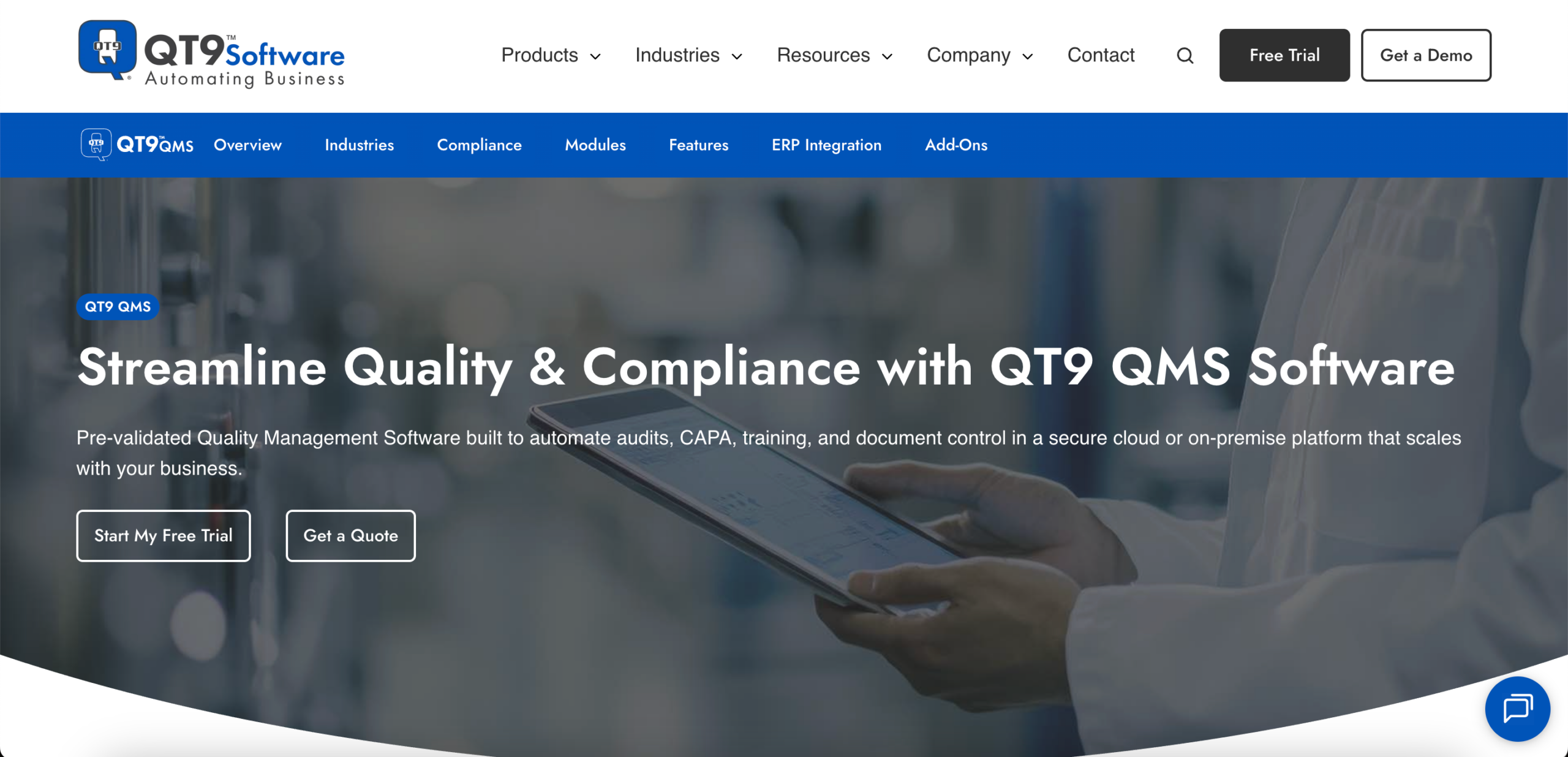
Image source: qt9software.com
QT9 supports organizations that manage audits, corrective actions, training, and documents in one digital platform.
It runs as cloud-based or on-premises software, which works for teams with specific IT or data security requirements.
Organizations adopt QT9 to replace manual systems used for audit tracking, training records, and compliance tasks.
The platform organizes quality work around industry standards and established compliance processes, especially during audits and customer reviews.
Key Features
- Document control with revision history and approval workflows
- Audit management with scheduling, findings, and audit trails
- Corrective and preventive action tracking with assigned tasks
- Training management with courses, tests, and reminders
- Deviation and nonconformance tracking with alerts
- Risk tracking with scoring, approvals, and follow-up actions
- Equipment and inspection management
- Supplier quality and customer feedback tracking
- Dashboards and reports with filters, drilldowns, and exports
Pros
QT9 groups core quality activities into an integrated solution. Documents, training records, audits, and corrective actions stay connected, which helps during inspections and routine checks.
Workflow and form customization help align the system with existing compliance processes. Dashboards flag overdue tasks and open actions.
Cons
The interface can feel busy at first. Some users need time to learn navigation and reporting.
Several reports and workflows require setup before they reflect internal needs. Continuous improvement tracking relies on existing modules rather than a dedicated feature.
During periods with heavy audit activity, reporting and navigation limits can slow reviews.
6. Intellect
Image source: intellect.com
Intellect is used by organizations that want to manage quality work across multiple functions without splitting data across tools.
It shows up most often in manufacturing and life sciences environments where audits, training, supplier quality, and frontline work intersect.
Organizations adopt Intellect after outgrowing spreadsheets and shared drives.
The system keeps quality records, tasks, and approvals in one place, which helps teams keep pace as regulatory expectations increase.
Key Features
- Modular quality management tools with industry-specific applications
- Document control with version history, electronic signatures, and indexed search
- Audit, corrective and preventive action, supplier quality, and training modules
- Drag-and-drop app builder for custom workflows and forms
- AI-assisted analysis that highlights trends and root causes in quality data
- Reporting dashboards with configurable views
- Cloud or on-premises deployment options
- Role-based access and language localization
Pros
Workflows and forms can change as processes evolve, which helps teams manage quality without rebuilding systems each time requirements change.
Analytics help teams review audit results, training records, and supplier data in one view. That supports decision-making during reviews and helps prioritize improvement work tied to actual data.
Cons
Initial setup takes time. Workflow design, application setup, and reporting require planning, especially for organizations without dedicated system administrators.
Smaller organizations or programs with limited scope may find the number of options overwhelming. Training and rollout can take longer when only a few quality processes are required.
7. ACE by PSC Software
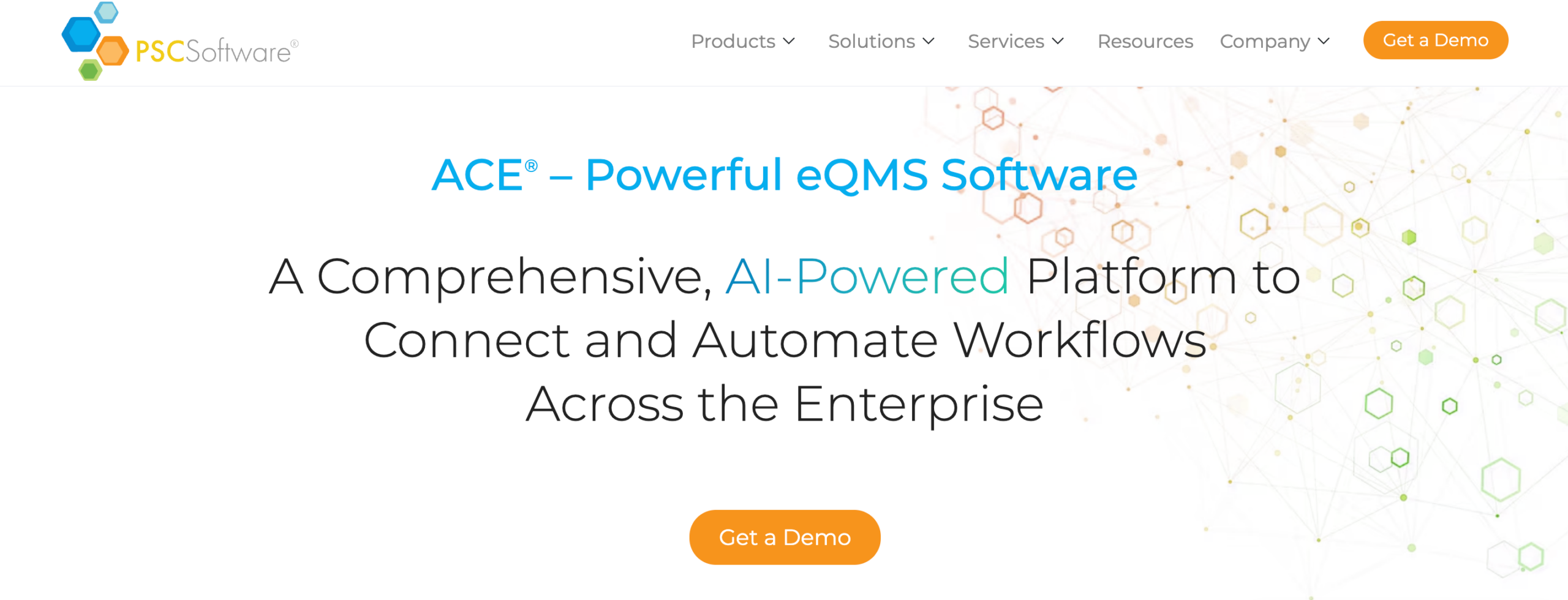
Image source: pscsoftware.com
ACE is a cloud-based quality management platform used in life sciences and other regulated industries.
Organizations often consider ACE when standard QMS tools don’t reflect how their quality and compliance work actually happens.
The platform centers on configurable workflows, forms, and permissions. That structure fits environments where quality systems need to align with established regulatory standards.
Key Features
- Configurable workflows and forms for quality and compliance processes
- Document control with version history, audit trails, and electronic signatures
- Audit management with scheduling, findings, and follow-up actions
- Role-based permissions that limit access to sensitive records
- Reporting with saved filters and export options
- Dashboards that show task status, ownership, and deadlines
- Kanban-style boards for tracking records and approvals
- Mobile access through a web interface
- Installation qualification and operational qualification validation packages
Pros
ACE works well for organizations that want control over how quality processes operate.
Workflow configuration makes it possible to mirror existing procedures inside the system instead of adjusting procedures to fit fixed templates.
Dashboards and reports highlight overdue tasks, open records, and approval status. These views help users focus on what needs attention during reviews and audits.
Cons
Setup takes planning. Workflow configuration, permissions, and validation steps require time, especially without dedicated system owners.
ACE emphasizes configurability over predefined setups. Organizations that want a quick rollout or a narrow quality tool may need additional time or outside help to get the system fully in place.
8. Ideagen
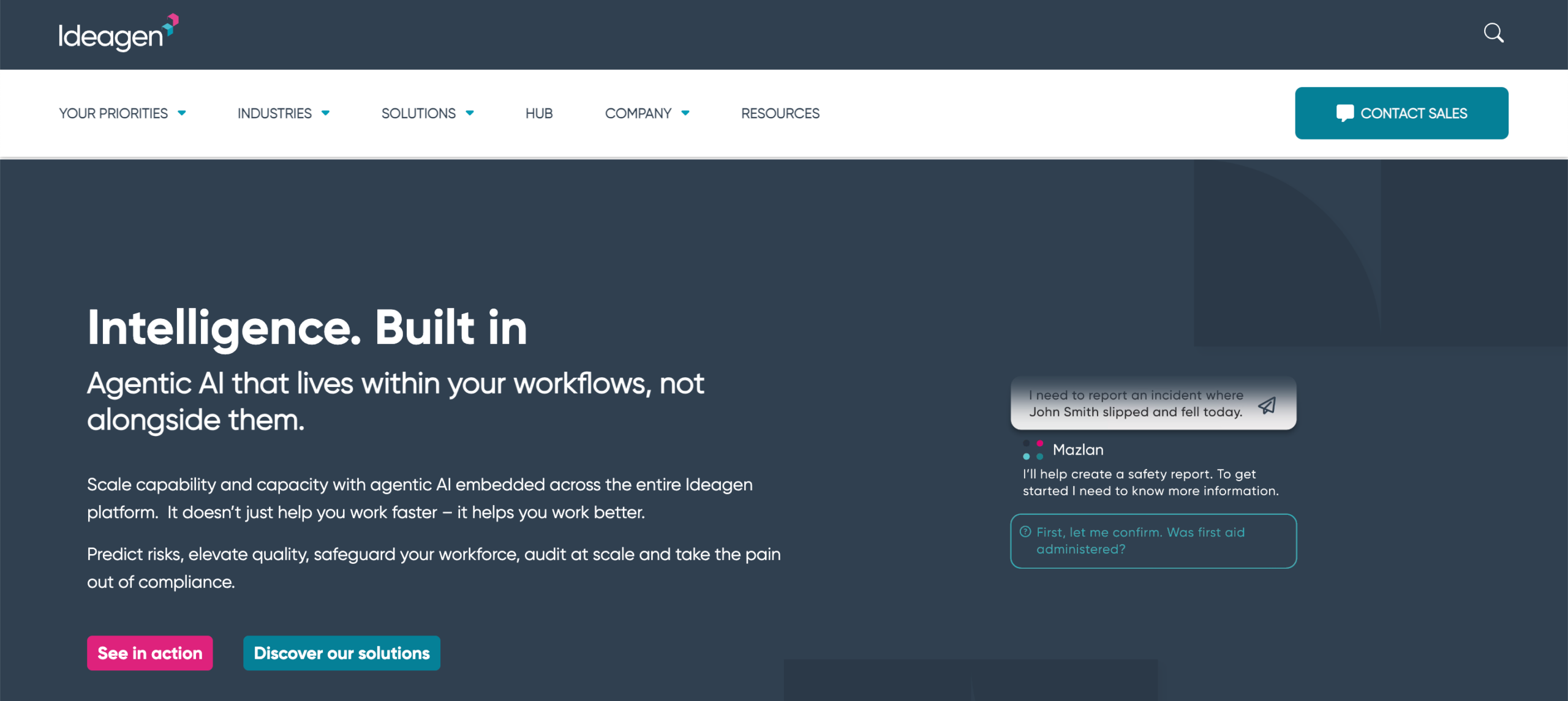
Image source: ideagen.com
Ideagen is used in regulated environments where audits, risk reviews, and corrective actions connect to critical systems.
It appears often in life sciences, healthcare, and manufacturing organizations that run frequent audits.
Some organizations move to Ideagen when compliance work spreads across too many tools. Policies live in one place.
Audit evidence and training records live somewhere else. Ideagen pulls those activities into a single solution so audits and follow-ups reference the same data.
Key Features
- Document management with structured reviews, version control, and audit trails
- Audit management for planning, execution, findings, and closure
- Corrective and preventive action workflows with investigation steps
- Risk management with assessments and mitigation tracking
- Training management tied to roles and regulatory requirements
- Monitoring tools that track regulatory changes across regions
- Dashboards showing open findings, overdue actions, and risk status
- Mobile access for incident reporting and field input
Pros
Ideagen helps organizations manage audit-heavy quality programs.
Audit findings link to corrective actions and risk records. That keeps follow-ups visible without searching across modules.
Dashboards surface actionable insights such as overdue CAPAs, open risks, or expiring training.
These views support review meetings and help teams focus on issues tied to customer expectations.
Cons
Administrative work can add up. Updating roles, competencies, or training requirements often requires changes across multiple areas of the system. That can slow user adoption.
Some workflows feel adapted rather than purpose-built. Meeting tracking relies on the audit module.
Reporting views often need customization to give managers easy access to the information they need.
9. Qualio

Image source: qualio.com
Qualio is a cloud-based QMS used mainly by life sciences organizations. It’s often chosen by growing companies that aren’t ready for a highly customized enterprise platform.
The system focuses on core quality processes such as document control, training, risk, audits, and corrective actions.
Qualio commonly supports early compliance programs where patient safety, regulatory expectations, and product development overlap.
Key Features
- Document management with review, approval, and version control
- Risk management connected to product design and development activities
- Change management with audit trails and approval workflows
- Audit management for internal and external audits
- Corrective and preventive action and nonconformance tracking
- Supplier quality management with document and audit requirements
- Compliance monitoring with gap analysis across regulatory frameworks
Pros
Qualio brings essential quality processes into one system. Documents, training records, risks, and corrective actions reference each other, which reduces manual cross-checking during audits.
Reporting focuses on practical areas such as training completion, open audit findings, and unresolved actions.
These views help quality teams spot issues early and stay focused on improving quality without exporting data to other tools.
Cons
Some details stay buried in documents. Revision history and approval information usually require opening files rather than viewing them in lists.
Manager visibility is limited in certain areas. Without admin access, managers may not see a full picture of their team’s progress.
Organizations with complex reporting needs or extensive customization requirements may outgrow the platform over time.
10. AssurX
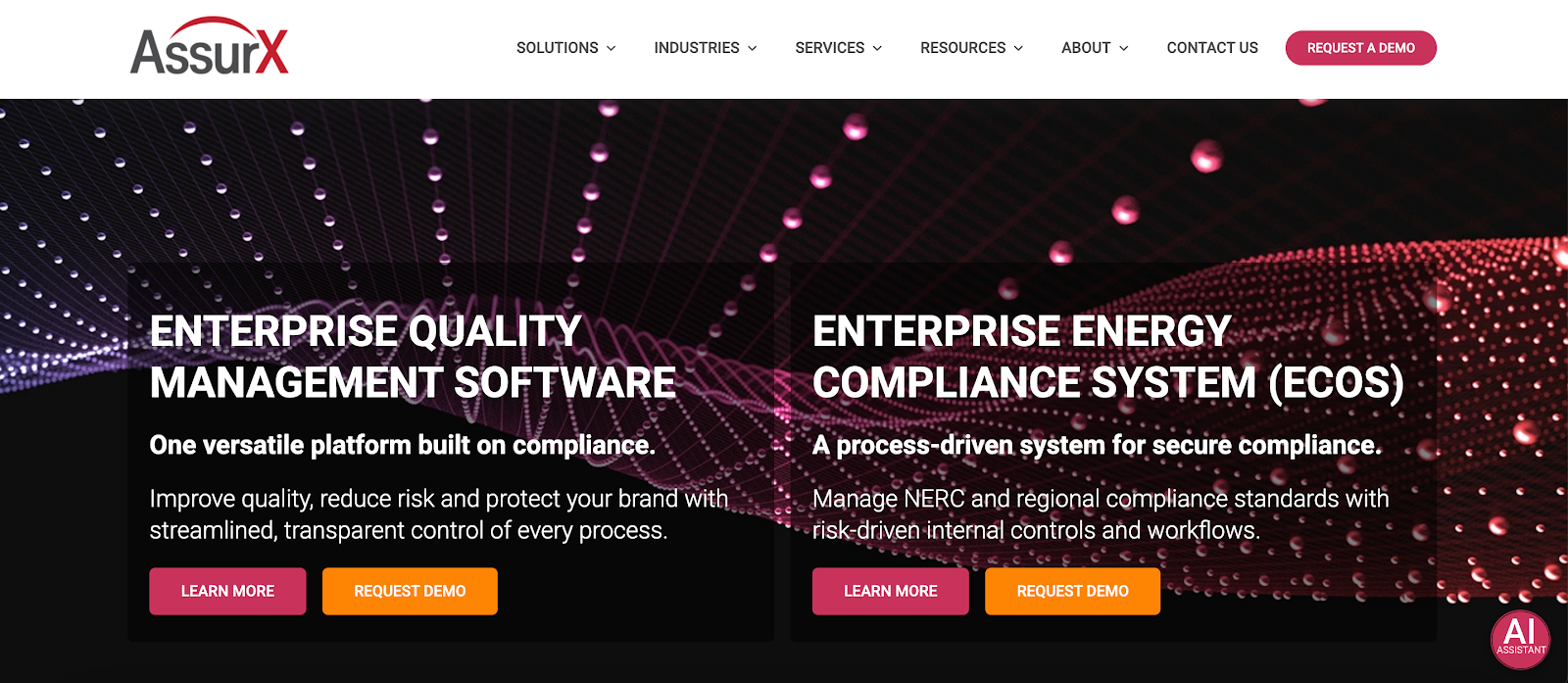
Image source: assurx.com
AssurX is a quality management and regulatory compliance platform used in regulated industries such as medical devices, pharmaceuticals, and high-tech manufacturing.
It covers audits, change control, risk management, and corrective actions. These areas often connect directly to production systems and regulatory reporting.
Organizations usually consider AssurX when paper-based audits or disconnected tools start to fail during inspections.
AssurX centralizes workflows so audits, investigations, and changes follow documented steps.
Key Features
- Audit management for internal, customer, and regulatory audits
- Change control workflows for products, equipment, materials, and documents
- CAPA management
- Risk management tied to quality events and change activity
- Calibration management for regulated measurement equipment
- Dashboards with key performance indicators and trend views
- Configurable workflows with tasks, alerts, escalations, and approvals
- Cloud or on-premises deployment options
Pros
AssurX focuses on configurability. Workflows can reflect existing quality processes instead of forcing teams to change how they work.
That matters when audits, change requests, and corrective actions already follow established rules. It also helps when processes evolve.
Trend reporting spans audits, corrective actions, and risk events. These views support advanced analytics by showing recurring issues without reviewing records one by one.
Cons
The learning curve can feel steep for new users, especially when navigating multiple modules. Some management screens feel crowded until users become familiar with the layout.
Reporting visuals feel basic to some users. Integrations with other systems can require additional setup effort, depending on complexity.
Stay Compliant as Your Quality Processes Change With TLM

Quality work doesn’t follow a single template. Many platforms impose rigid workflows or fixed structures that don’t hold up as requirements change.
That pressure creates workarounds, adds admin time, and complicates audits.
TLM takes a different direction. It supports ISO, FDA, and other regulatory audits through a configurable QMS application paired with a web app that assigns tasks to the right people.
Custom forms, editable fields, AI-powered document search, and validation templates let you manage documents, training, CAPA, and audits without forcing process changes.
This isn’t a surface-level walkthrough. You see how your records, approvals, and workflows behave in a live system.
Start a 30-day free trial of TLM and explore it with your own documents, audits, and processes!
FAQs About QMS Tools
What are the five core tools of QMS?
The five core tools of a quality management system cover the activities needed to manage and control quality.
They usually include document control, audit management, corrective and preventive action, training management, and risk management.
Together, these tools help organizations maintain compliance and address quality issues.
What is the best QMS tool?
The best QMS tool works with existing quality processes. TLM supports ISO and FDA requirements without forcing rigid workflows.
That makes it practical for audits, documents, training, and CAPA in one system.
What are the seven principles of QMS?
The seven principles of quality management describe how effective quality systems operate.
They include customer focus, leadership, engagement of people, process approach, improvement, evidence-based decision making, and relationship management.
These principles guide how organizations plan, run, and improve their quality systems.
What are the four main components of QMS?
The four main components of a quality management system are quality planning, quality control, quality assurance, and quality improvement.
Planning sets quality objectives, control monitors performance, and assurance confirms requirements are met. Improvement focuses on correcting issues and strengthening processes over time.


 Demos
Demos