

Every project carries risk, even the ones that look simple on paper.
Project managers deal with remote teams, outside vendors, cybersecurity pressure, and tighter budgets all at once. That pressure leaves no room for loose tracking or delayed decisions.
You need risk management tools that assign owners early and track issues until they close.
This article walks through the risk management tools project leaders use today. You’ll see what each tool handles well, where it struggles, and which ones help teams respond before problems escalate.
TL;DR
These are the leading risk management tools in 2026:
- TLM
- Archer
- Resolver
- Hyperproof
- OneTrust
- AuditBoard
- LogicManager
- MetricStream
Why Project Teams Rely on Risk Management Tools
Project teams rely on risk management tools to keep work organized and accountable. Cybersecurity risks, vendor issues, regulatory pressure, and financial exposure all show up during project execution.
Tracking these threats manually leads to missed handoffs and late responses.
According to VulnCheck, 32% of exploited vulnerabilities in the first half of 2025 were zero-day or one-day attacks, where attackers acted before patches reached teams.
That reality pushes project managers to focus on early risk identification and consistent risk assessment.
Effective risk management tools support the full risk management process. Teams identify potential risks, assess probability and impact, assign owners, and track risk status until closure.
That discipline helps project managers manage project risks, prioritize threats, and keep projects on schedule.
How Project Managers Use Risk Management Tools
Project managers use risk management tools to document risks, assign owners, and track follow-through from start to finish.
During planning, they identify risks around scope, vendors, security, and compliance, then record them in a risk register that stays active throughout the project.
As work moves forward, teams update risk assessments using probability and impact ratings. This helps prioritize risks based on severity and keeps attention on the most critical threats.
Risk management tools also support risk mitigation strategies. Managers track response actions, review outcomes, and use root cause analysis after adverse events.
That feedback improves future risk management practices and helps teams manage risks that affect project success.
8 Best Risk Management Tools in 2026
Risk management doesn’t stop at documentation. Project managers need systems that track ownership, actions, and outcomes during projects.
The tools below show how different platforms handle that work.
1. TLM
Auditors want a formal, documented risk management program. Many now interpret standards like International Organization for Standardization (ISO) 27001 and ISO 31000 with tighter expectations.
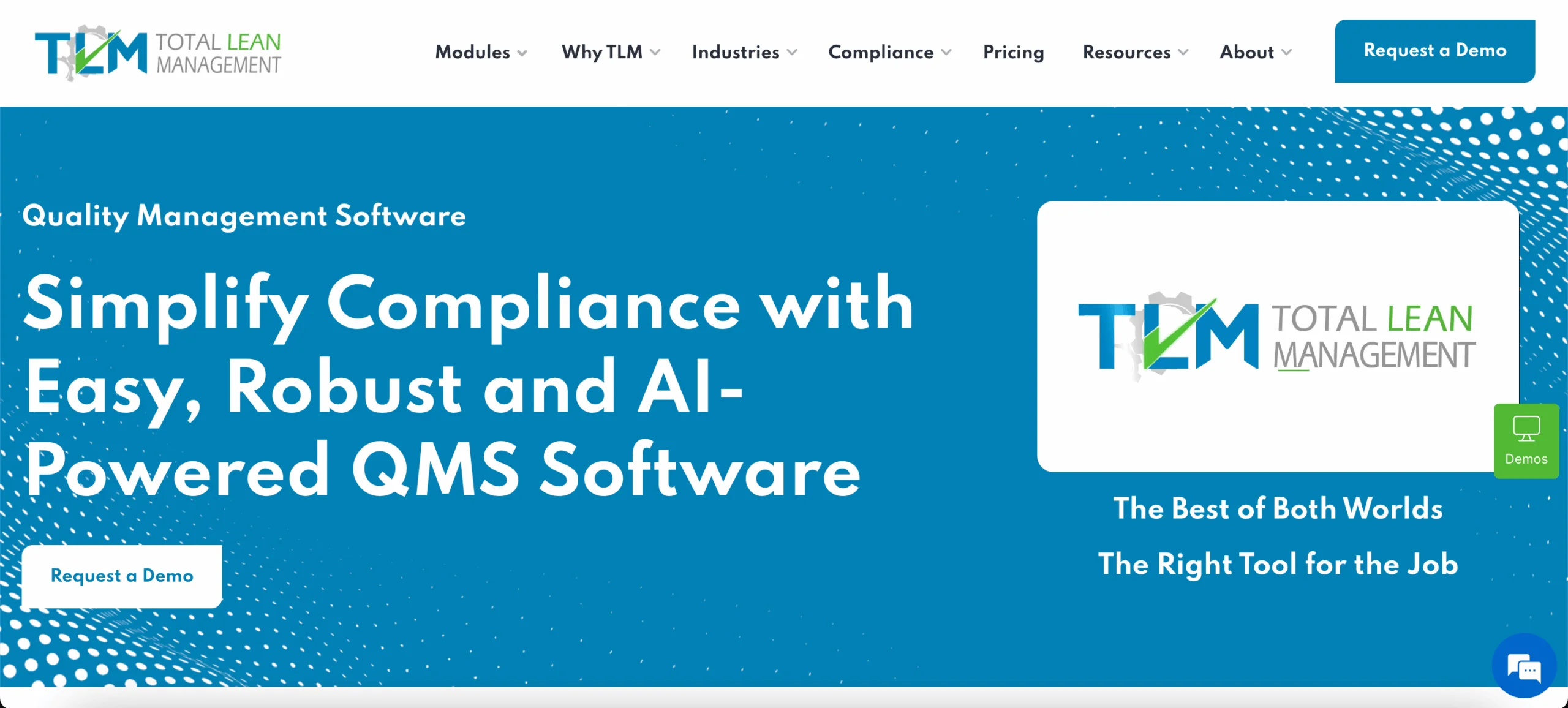
Total Lean Management (TLM) helps teams meet those expectations with risk management software that records risk decisions, approvals, and follow-through in one system.
TLM also helps reduce software sprawl. It can replace separate tools used for different categories of a quality management system (QMS), while still allowing integration with other systems when necessary.
This matters for regulatory compliance work, information security audits, and risk management efforts that involve vendors and sensitive data.
Key Features
- Risk and Opportunities analysis records launched from projects and many QMS records
- The Projects module is used to set a risk management plan and link multiple risk and opportunity records
- Asset reference links that support information technology security projects under ISO 27001
- Risk priority number (RPN) scoring with before-and-after mitigation values
- Two-factor or three-factor RPN formulas configured in system settings
- Customizable, color-coded RPN indicators
- Multiple approval options for risk evaluations
- Mitigation cost tracking inside the risk record
- User dashboards and automated email summaries for robust reporting capabilities
Information Security Risk Management
ISO 27001 covers more than network security. TLM supports risk assessments for information assets used by human resources (HR) security, asset management, and physical and environmental security.
That helps teams manage cybersecurity risks and vendor exposure using one set of risk assessment processes.
Risk Assessment Triggered by Quality Events
Risk evaluations don’t wait for an annual review. TLM can trigger risk response strategies as QMS events occur, based on your documented policies.
This keeps risk analysis active during project execution and helps teams mitigate risks before issues force rework.
Risk-Appropriate Level of Detail
TLM lets teams capture enough evidence to justify decisions without turning every risk record into a paperwork project.
That helps teams manage operational risks and regulatory risks while keeping resource allocation disciplined.
Want to see how TLM handles risk assessment, approvals, and mitigation tracking in one workflow?
2. Archer
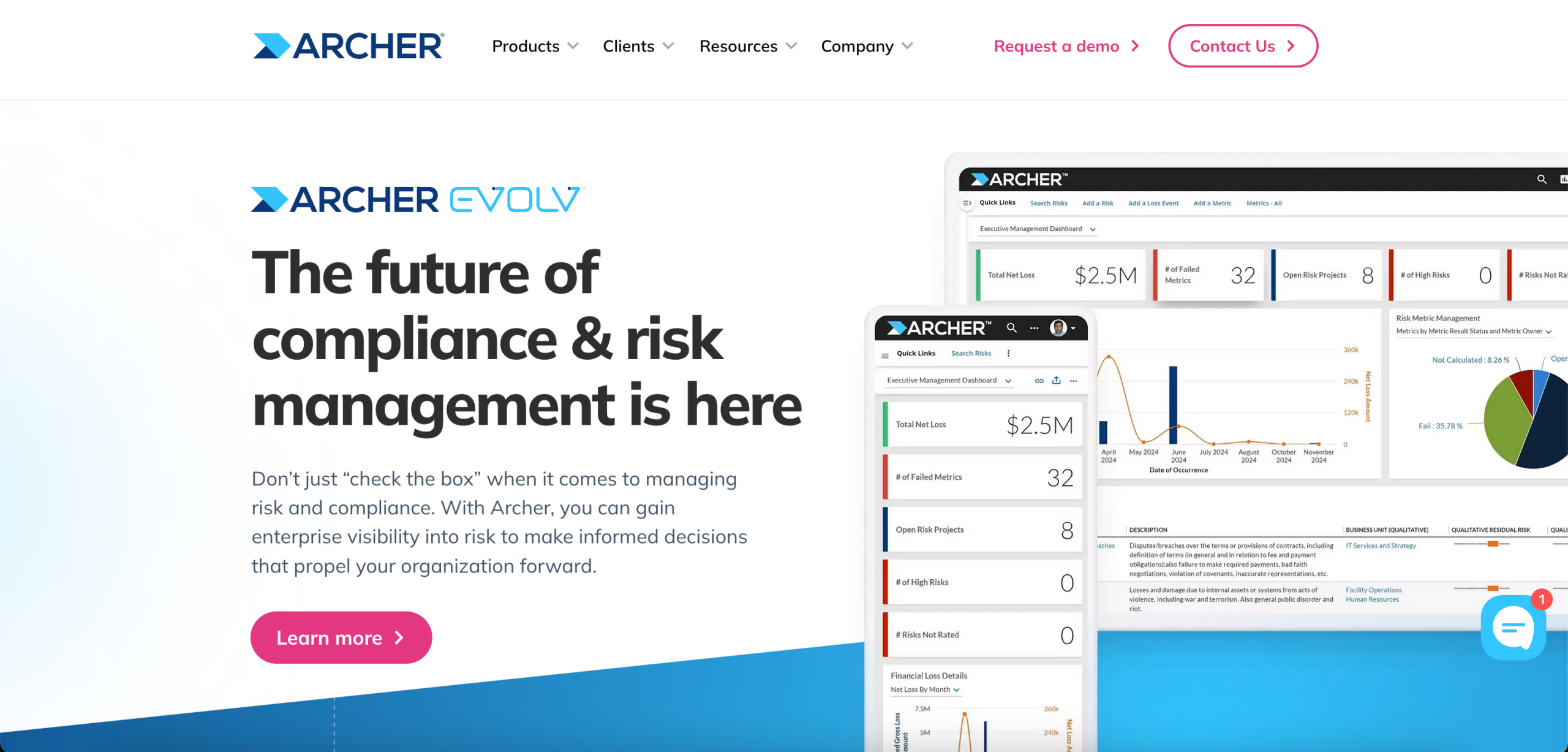
Image source: archerirm.com
Archer is used by organizations that manage risk through formal governance and executive oversight. It supports enterprise risk management (ERM) by centralizing operational, technology, and compliance risks in one system.
Project managers usually work with Archer when risk activities feed audits, board updates, or regulatory reviews.
The platform emphasizes consistency in assessing risk through shared rating scales and documented evaluations. This helps teams factor internal and external factors into their decisions without relying on ad hoc judgment.
Key Features
- Risk catalog for organizational and project risks
- Risk assessment templates using probability and impact scoring
- Enterprise and operational risk management modules
- Information technology and security risk tracking with control monitoring
- Loss event tracking with root cause analysis
- Key risk indicator monitoring
- Executive and board reporting with business intelligence
Archer also supports technology and security risk programs. Teams document controls, vulnerabilities, audit findings, and regulatory obligations in one place, which helps address regulatory changes without manual updates.
3. Resolver
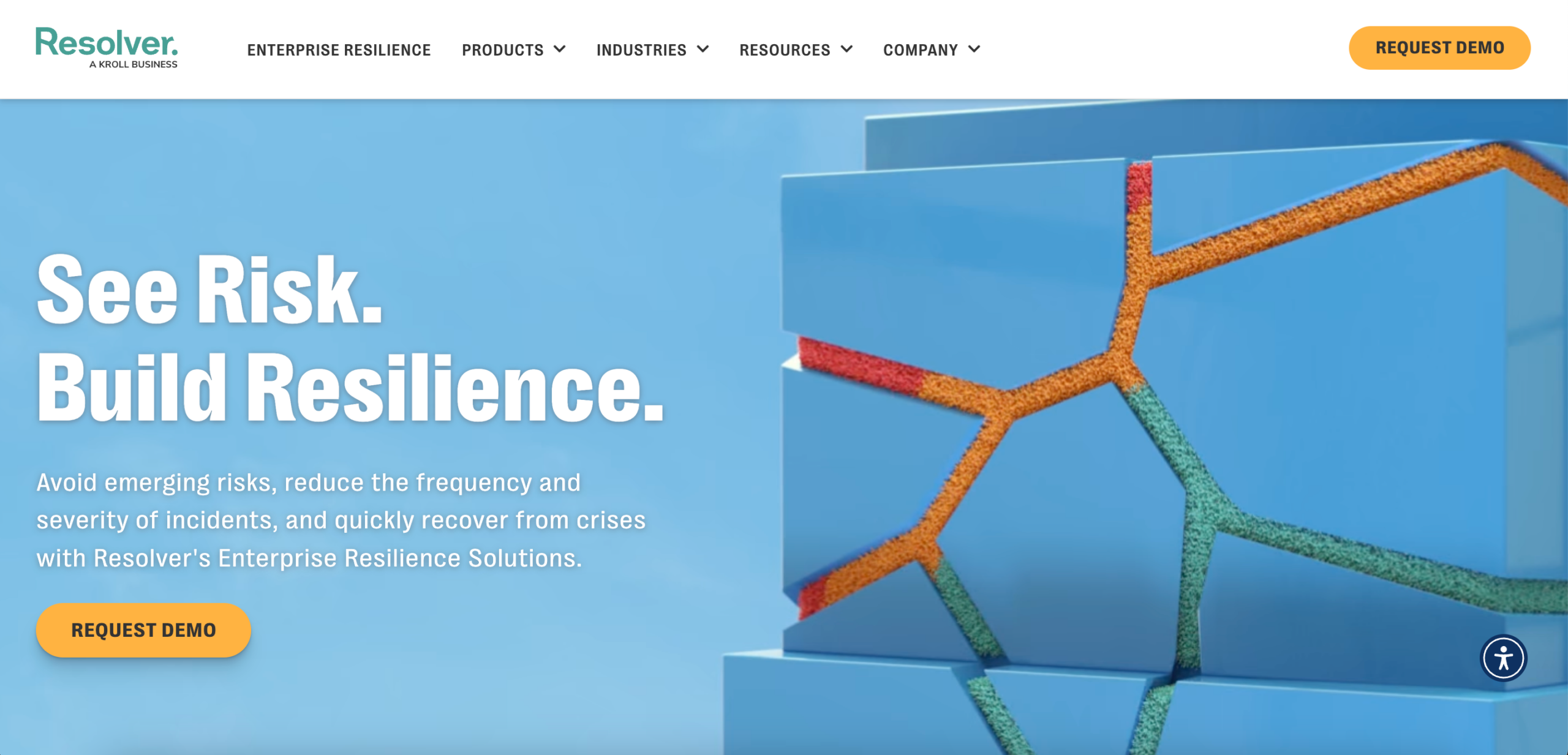
Image source: resolver.com
Resolver manages risk by starting with what teams report. Incidents, audit findings, vendor issues, and control failures enter one system, where project managers assess severity and assign ownership.
This model works for organizations that rely on documented events to manage risk during daily business operations.
Teams use Resolver to support effective risk analysis and informed decision-making. Each event goes through a consistent assessment using probability and impact scoring.
This helps teams evaluate financial risks, prioritize follow-up, and apply preventive measures instead of logging issues and moving on.
Key Features
- Single intake point for incidents, issues, and risk events
- Risk assessments aligned to ISO 31000
- Probability and impact matrix scoring for financial and non-financial risks
- Automated workflows for investigation and remediation
- Executive dashboards and reports for key risk indicators
- Audit, compliance, and third-party risk management in one platform
Resolver emphasizes accountability. Each event receives a named owner, clear timelines, and documented actions.
That discipline helps teams manage organizational risks, reduce manual errors during investigations, and maintain reliable records for audits and reviews.
4. Hyperproof
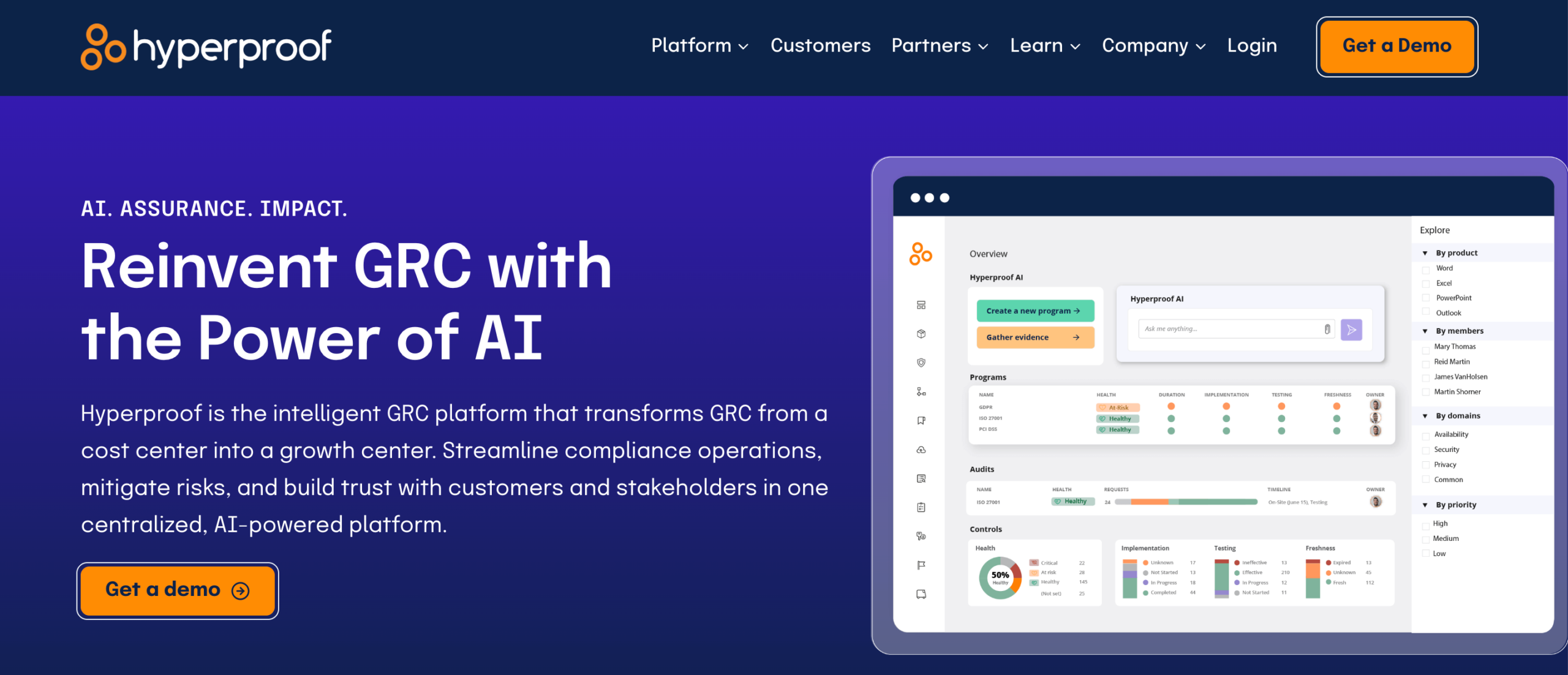
Image source: hyperproof.io
Hyperproof manages risk through compliance execution and evidence tracking. Teams use it to identify risks, document controls, and keep records updated without manual follow-ups.
This makes it useful when risk management supports audits, vendor reviews, and customer assurance.
Project managers usually work with Hyperproof when risk tasks connect to security frameworks, third-party oversight, or contract reviews.
Risks stay in a centralized risk register with consistent scoring for likelihood and impact. Automated data collection keeps information updated and reduces manual work during reviews.
Key Features
- Centralized risk register for tracking project risks
- Likelihood and impact scoring for risk evaluation
- Automated evidence collection through 200+ data connectors
- Vendor risk management with assessments and remediation tracking
- Control mapping and reporting for multiple compliance frameworks
- Dashboards and exportable reports for leadership review
Hyperproof places strong emphasis on vendor and security risk. Teams manage vendor records, assessments, and remediation tasks in one system.
Automated document analysis helps teams manage potential threats and apply proactive measures before audits or renewals.
5. OneTrust

Image source: onetrust.com
OneTrust focuses on risk management for privacy programs, regulatory requirements, and third-party oversight.
Teams use it to manage compliance work tied to data handling, vendor relationships, and legal obligations. This makes OneTrust a common choice when projects involve sensitive information or strict regulatory review.
Project managers typically use OneTrust when risk management connects to vendor onboarding, contract reviews, and data protection requirements.
Systems, vendors, and risk records stay organized in one environment, with scoring models that help teams prioritize remediation work.
Automation reduces manual coordination and helps teams maintain consistent risk response during audits and reviews.
Key Features
- Risk and compliance management for 55+ regulatory frameworks
- Automated risk assessments and control management
- Risk scoring that supports scenario analysis and prioritization
- Third-party risk management with lifecycle tracking and issue ownership
- AI-assisted intake, evidence collection, and questionnaire analysis
- Dashboards and reports for executive and compliance review
OneTrust places strong emphasis on third-party risk. Teams screen vendors, assess risk levels, track remediation tasks, and monitor changes that affect exposure.
Integrations with existing systems help keep risk information up to date without duplicate work.
6. AuditBoard
Image source: auditboard.com
AuditBoard places risk management under audit and executive oversight. Teams use it to support formal risk management strategies that inform leadership decisions and board discussions.
It consolidates enterprise, operational, third-party, and information technology risks into a single system used for reviews and planning.
Project managers usually encounter AuditBoard during audit cycles, board reporting, or scheduled risk reviews.
Risks are recorded in a shared register using consistent terminology, which helps leaders compare their exposure and decide on priorities.
Scenario planning tools help teams evaluate possible risk events and prepare response plans before disruptions occur.
Key Features
- Unified risk register for enterprise, operational, third-party, and IT risks
- Scenario planning with bow-tie analysis and Monte Carlo modeling
- Automated risk assessments with configurable questionnaires
- Risk and control self-assessments for early risk identification
- Third-party risk management with assessment and mitigation tracking
- Key risk indicator and performance metric tracking
- Dashboards and reports for audit committees and executives
AuditBoard also encourages participation from risk owners. Frontline teams can submit risks, update ratings, and manage action plans with minimal onboarding.
AI features help highlight trends and reduce manual effort during reviews.
7. LogicManager
Image source: logicmanager.com
LogicManager supports enterprise risk management where leadership needs consistent standards and defensible reporting.
Organizations use it to identify and monitor strategic risks while keeping accountability clear at every level. This helps leadership make informed decisions without relying on informal updates.
Project managers usually interact with LogicManager during enterprise planning, executive reviews, or board discussions.
Teams assess risks using shared criteria, which gives leaders a reliable view for the decision-making process.
Mitigation plans, monitoring, and escalation remain documented in one system, supporting effective risk response when priorities change.
Key Features
- Enterprise risk registers with standardized scoring and taxonomy
- Risk maturity model for governance, roles, and accountability
- Enterprise risk assessments aggregated for leadership review
- Risk mitigation planning aligned with risk appetite and policies
- Key risk indicators and performance metrics
- Event intake and escalation linked to risk records
- Dashboards and reports for executives, boards, and regulators
LogicManager emphasizes participation without overload. Stakeholders access only the information relevant to their role, which helps teams effectively manage risks and keeps ownership clear.
Updates from assessments and events feed leadership views automatically, supporting proactive risk management without manual coordination.
8. MetricStream
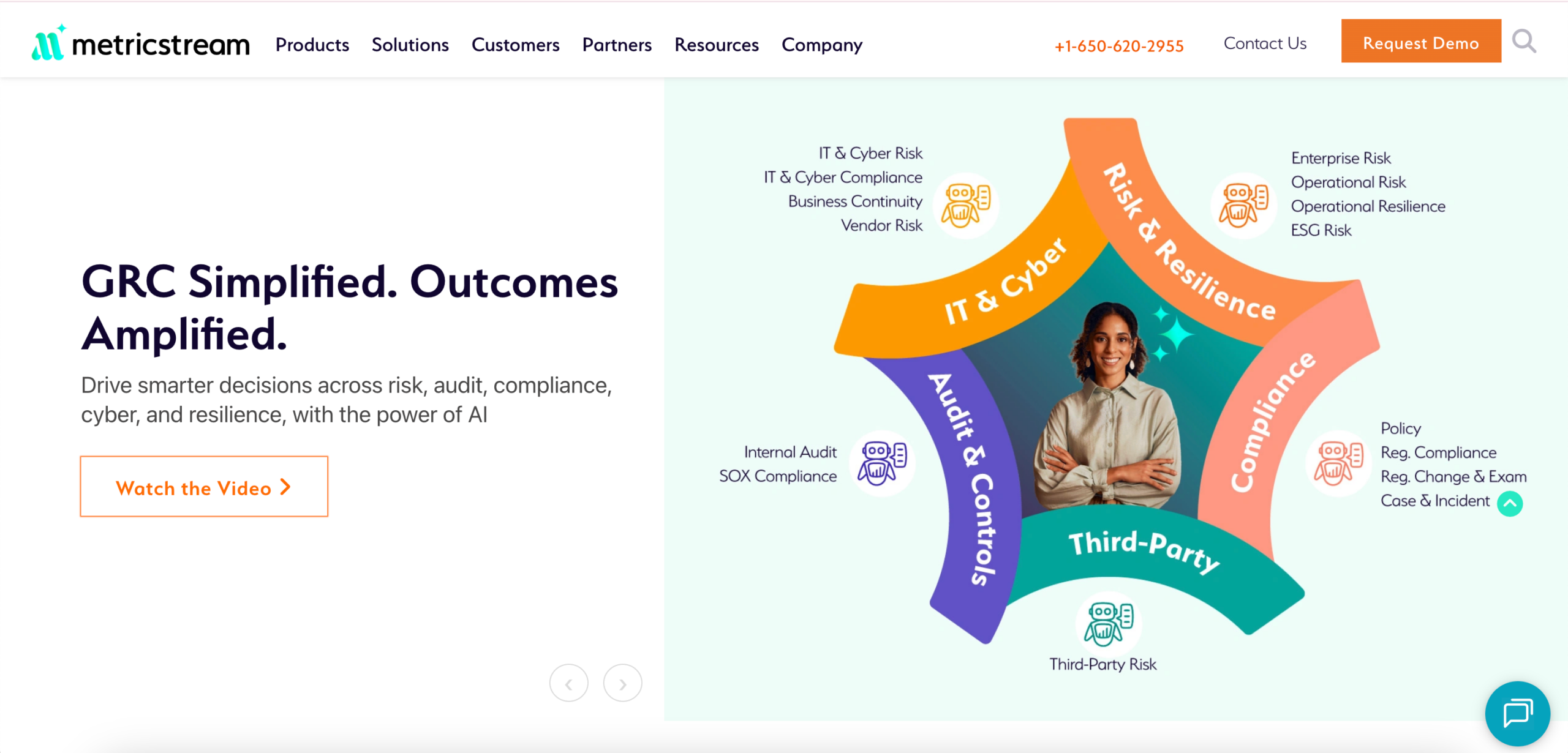
Image source: metricstream.com
MetricStream supports enterprise and operational risk management for organizations managing regulatory, cyber, and third-party exposure.
Teams use it to handle risk assessments, compliance activities, and control testing within one governance, risk, and compliance (GRC) environment. Leadership relies on this data to inform planning and investment decisions.
Project managers usually interact with MetricStream during enterprise reviews, audit cycles, or technology risk initiatives.
Risk data links exposure, controls, and performance objectives, which helps leaders evaluate priorities. AI reduces manual review by identifying issues faster and flagging remediation tasks.
Key Features
- Enterprise and operational risk management with standardized risk libraries
- Automated risk and control assessments with qualitative and quantitative scoring
- AI-supported issue identification and remediation tracking
- IT and cyber risk management aligned with security frameworks
- Third-party risk management for onboarding, monitoring, and assessments
- Regulatory update ingestion with compliance mapping
- Executive dashboards with risk indicators, metrics, and trend analysis
MetricStream also supports resilience planning. Simulation tools and automated testing help teams evaluate disruption scenarios and response options.
Alerts notify stakeholders when indicators change, which helps teams respond before issues escalate.
Answer Audit Questions Faster With TLM Risk Management
Many risk management tools track issues outside daily work. Teams log risks in one place, then manage projects, audits, and corrective actions somewhere else. That separation slows response during execution.
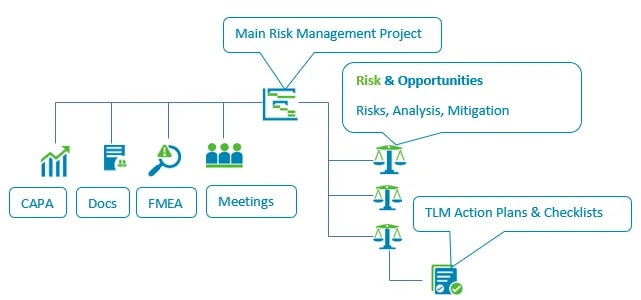
TLM keeps risk management inside the same system teams use for projects, documents, training, and corrective actions.
Risk records stay connected to approvals, mitigation actions, and outcomes. When auditors ask what decision was made and what followed, the answers are already there.
As a strategic tool, TLM supports risk decisions during execution, not after problems surface. Its project management features let teams evaluate risk without switching tools or recreating context.
Ownership stays clear, and decisions remain documented from start to finish. Teams can show who approved each risk response and how mitigation played out without tracking down missing details.
FAQs About Risk Management Tools
What tools are used in risk management?
Risk management tools include risk registers, risk assessments, and probability and impact scoring. Teams also track mitigation actions and approvals to document decisions.
Many organizations now manage these activities inside project management software to keep risk management connected to execution.
What are the five types of risk management?
The five common types are risk avoidance, risk mitigation, risk transfer, risk acceptance, and risk monitoring.
Organizations choose the method based on severity, likelihood, and the cost of taking action versus doing nothing.
What are the seven KPIs used for risk management?
Common KPIs include open risks, high-severity risks, and mitigation completion rates. Teams also track overdue actions, risk recurrence, resolution time, and audit findings linked to risk decisions.
These metrics show exposure and response effectiveness.


 Demos
Demos